Originally published on GamesRadar — words and photography by Phil Hayton.
The Nintendo 64 is now 30 years old, and the question of how to actually play N64 games today is more relevant than ever. Yes, the short answer involves simply getting hold of Ninty’s first 3D system, but the original retro console is a bit of an oddball. Therefore, it’s well worth putting a bit of love into your modern setup, whether you opt for the OG hardware, a fancy HDMI remake, or an emulation-based solution.
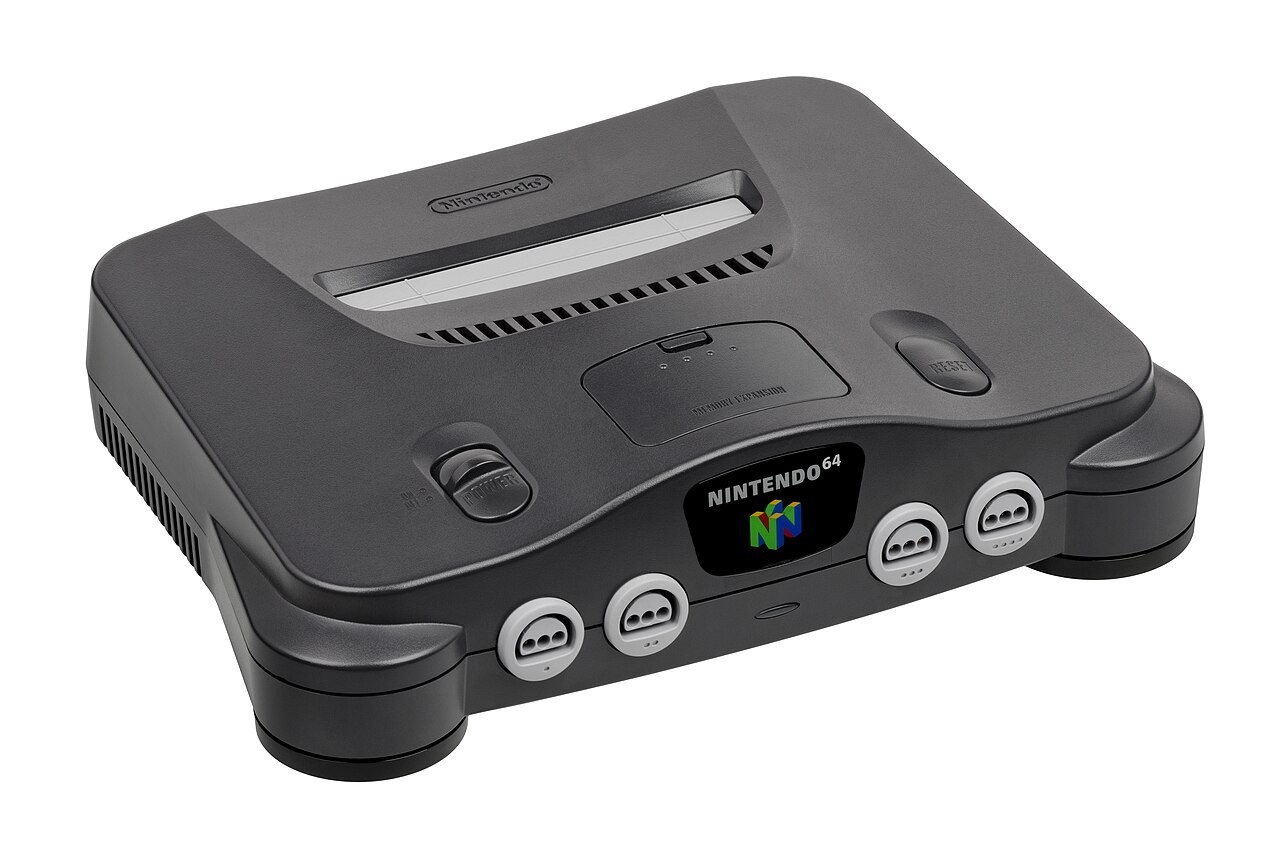
No, I’m not dunking on the N64, as I fully believe it’s one of the best retro consoles ever created. That doesn’t mean it’s not a bit of a dorkus, though, as some of Nintendo’s design decisions haunt the original hardware experience today. I’ve been wrestling with this problem child in my collection for decades now in an attempt to retain reliable, authentic access to familiar classics like Super Mario 64 and Donkey Kong 64 alongside lesser-known personal favorites like Body Harvest and Quest 64, so I’ve got years of advice to share.
Plenty of fresh-faced players have emerged since 1996 who didn’t grow up with the Nintendo 64, not to mention it’s likely imprisoned in the attics of those who did. Therefore, I’d say now is the perfect time to dive into how to play N64 games, and that journey starts with dusting off those old consoles, cartridges, and that funky spaceship controller (no, you don’t need three hands).
N64 original console versus emulation
Yes, I know you’re itching to play some of the best N64 games out there (or even the stinkers if you live for the jank). However, I’d have a long, hard think about where you want to play your desired Nintendo 64 capers and the level of authenticity you seek, as there are two paths you can follow that’ll either get you playing Ninty’s early 3D adventures on real hardware or via emulation.
Okay, yes, there is a secret third path to playing N64 games thanks to the powers of FPGA tech. If you have the funds for something like the all-singing, all-dancing 4K Analogue 3D, you can embrace full hardware accuracy while plugging straight into a modern display and having heaps of settings at your disposal. We’ll get to why that could be well worthwhile for some of you, but the traditional split is between using your carts with an actual system or backing them up for use in a software emulator.
Original N64 console
- Instantly play real cartridges
- Original performance
- Full native compatibility
- OG and modern controllers
- S-Video and composite only
- Requires specific upscalers
Emulation
- Resolution and texture options
- Works on handhelds, PCs, etc
- Perks like save states
- USB and handheld controls
- Easy access to your backed-up carts
- N64 games are difficult to emulate
Keep in mind that there’s more to both original N64 console setups and DIY setups beyond this simple rundown. That said, you should have more of an idea which route you want to take, meaning you can focus on the specific way you want to play gems like Majora’s Mask and Perfect Dark.
Using an original N64 console
Before discovering why the N64 is a bit of a bugger to use today, you’ll need to actually grab the system. Kudos to you if you’ve still got one to hand, be it still in your living room or in a dusty old box, but if you’ve yet to own one, you’ll need to hit up the second-hand market for your very own Nintendo 64 (exciting).
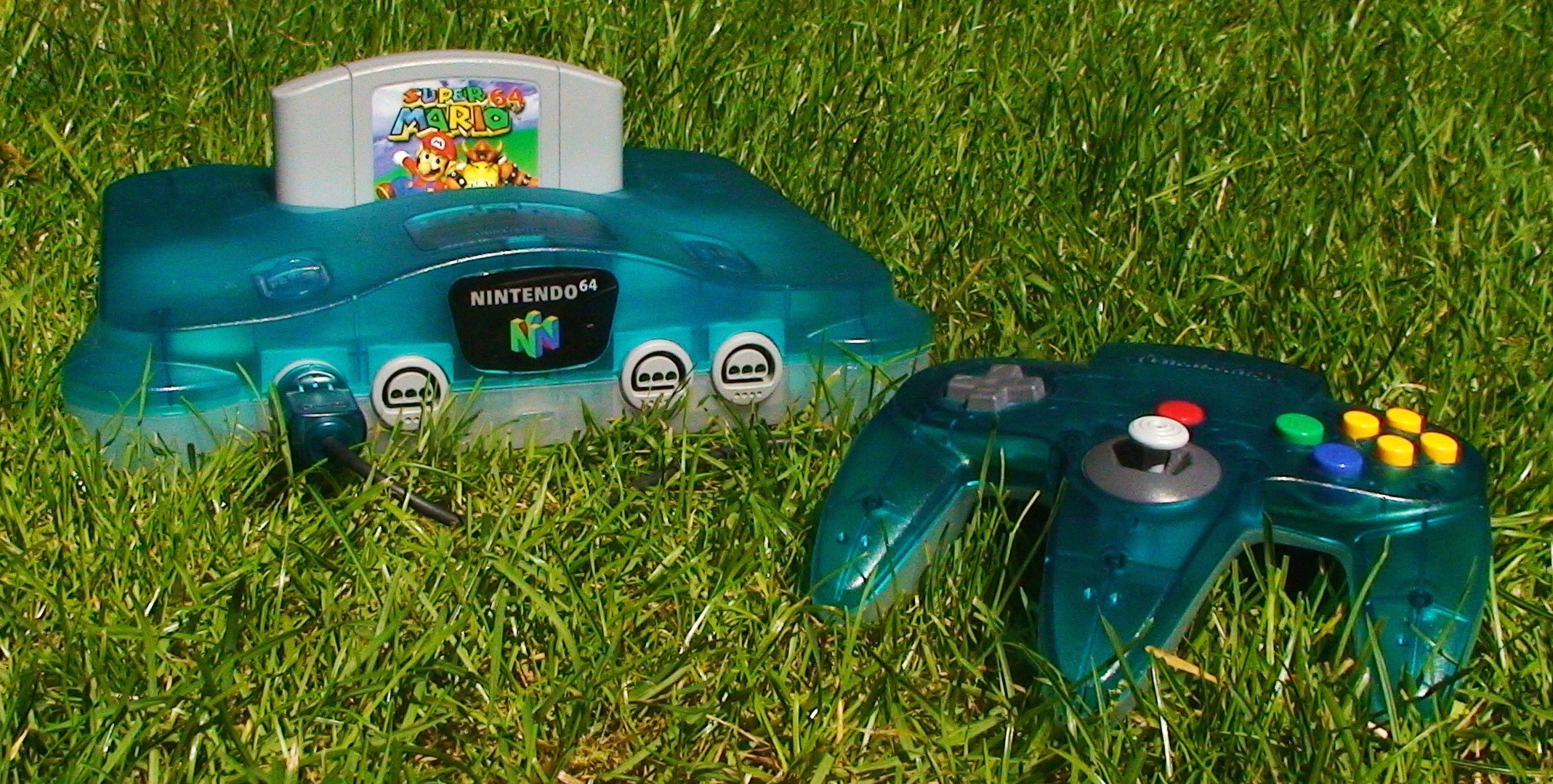
Retro console prices fluctuate constantly, but right now, you’re looking at around the $80 mark on eBay in the US for an N64 with cables. The UK tends to get listings for around the £60 mark, but again, you might find consoles for more or less than that at your local game stores, thrift shops, or flea markets. You absolutely will pay more if you go to somewhere like GameStop or CeX in the UK, though, with both selling systems for $129.99 and £85 respectively.
Those guide prices are for a standard black N64 model, so keep that in mind if you’d prefer a funky translucent Funtastic console or the rare Pikachu model. While I’m about to dive straight into everything you’ll need to get all those systems up and running, I would keep the optional RAM Expansion Pack in mind while hunting, as if you can bag one already installed without paying over the odds, you’ll be able to instantly play games like DK64, Majora’s Mask, and Perfect Dark.
What you’ll need
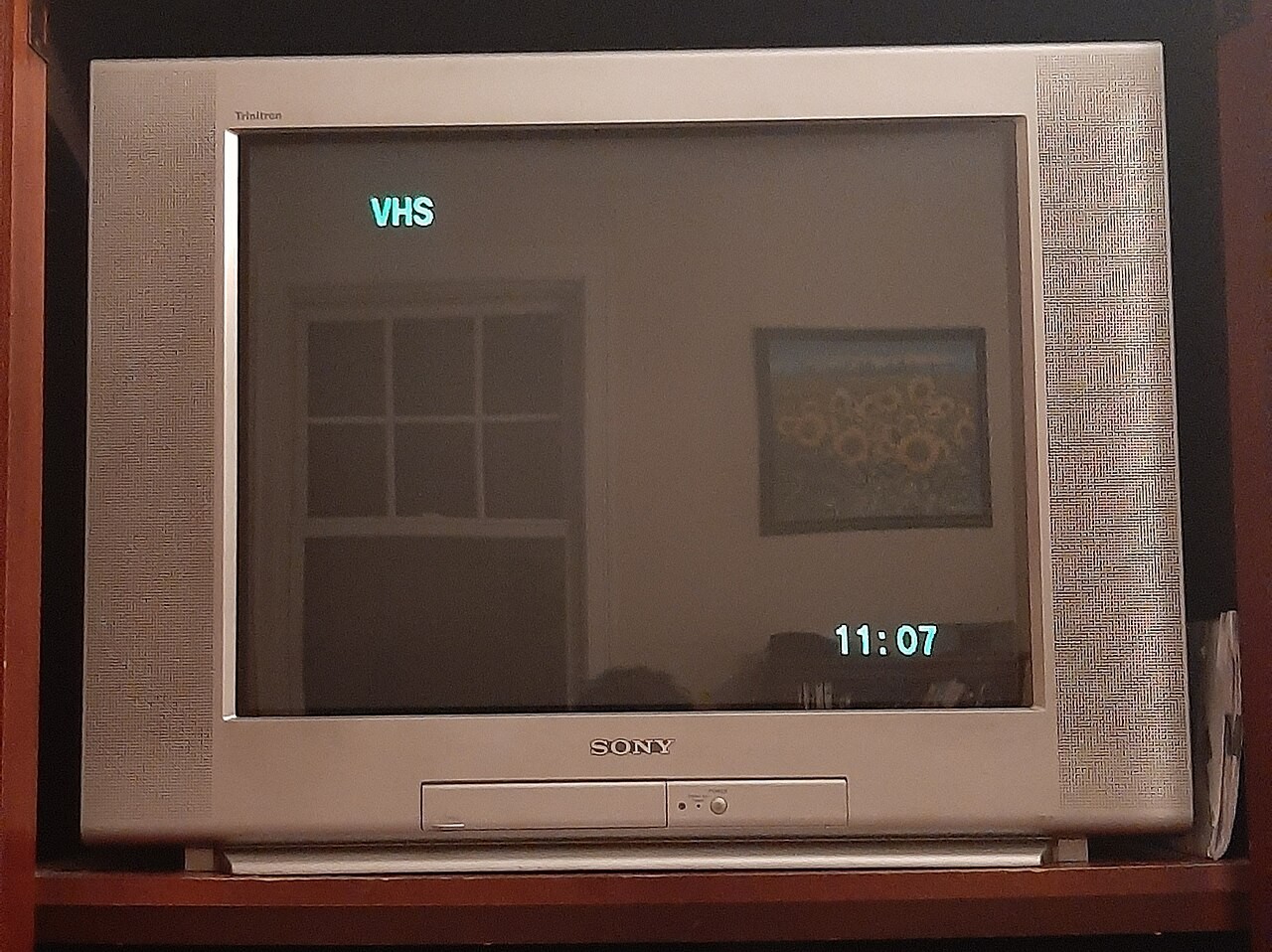
If you’re lucky enough to still have a CRT TV, or even an older LCD with composite or S-Video, you can plug your cables in right now and start playing. It’s safe to say that won’t apply to the majority of you, though, even if I do personally think the ultimate way to play N64 games is via the retro scanlines produced by old tube sets.
Therefore, your first port of call is figuring out how to connect the retro console to a modern TV or monitor. That effectively boils down to taking an N64 S-video or composite cable and converting the old analogue video into a digital signal over HDMI, and there are a bunch more ways to do that compared to even just ten years ago.
Connecting an N64 to your modern screen
I need to hold the N64’s hand when I say this, but the console’s visuals look really scrappy on modern displays. It’s not really the Nintendo 64’s fault, as it was designed for a world dominated by CRT TVs, and its visuals are designed with proper pixel separation, shadow masks, and lower native resolutions in mind.
That is to say that when you do use an adapter or upscaler to get N64 visuals on your TV, they might look a bit unsightly at 4K. The fact that Nintendo chose to skip clean RGB output and stick with just composite and S-Video for its first 3D console really doesn’t help, but effects like anti-aliasing and dithering baked into games by developers are also at play.
With that in mind, I need you to curb your expectations when it comes to original N64 graphics on new displays, especially larger 4K displays. Native graphics will look a bit muddy, but the right gadgets can make the best of a bad visual situation. That starts with using S-video where you can rather than composite to avoid that “Vasoline” effect, which will then provide your chosen upscaler with the cleanest signal possible without modding.
The issue is that retro cables are becoming increasingly more expensive, and when it comes to the N64, quality really matters. If you want to avoid the blight of interference or brightness issues, you’ll want to grab something from the likes of Retro Gaming Cables for around £21 ($28), but ironically, the UK company’s cables are only for NTSC systems, and unless you have an early PAL unit, S-video won’t be an option at all.
Yes, this is already getting pretty messy, but if you’re looking for a straight, simple HDMI solution, you can go with a simple passthrough adapter. Options by the likes of Kaico will pull the available signal and convert it to HDMI, but again, the results will look rough without any upscaling applied.
Provided you’re not fussy about clarity, N64 passthrough adapters may serve you well. Those of you who’d rather crisp things up will need to consider a dedicated upscaler, and my go-to affordable option is the OSSC. Unlike traditional upscalers, the Open Source Scan Converter uses line doubling to increase the horizontal resolution of RGB signals, leading to far cleaner results and next to no input lag.
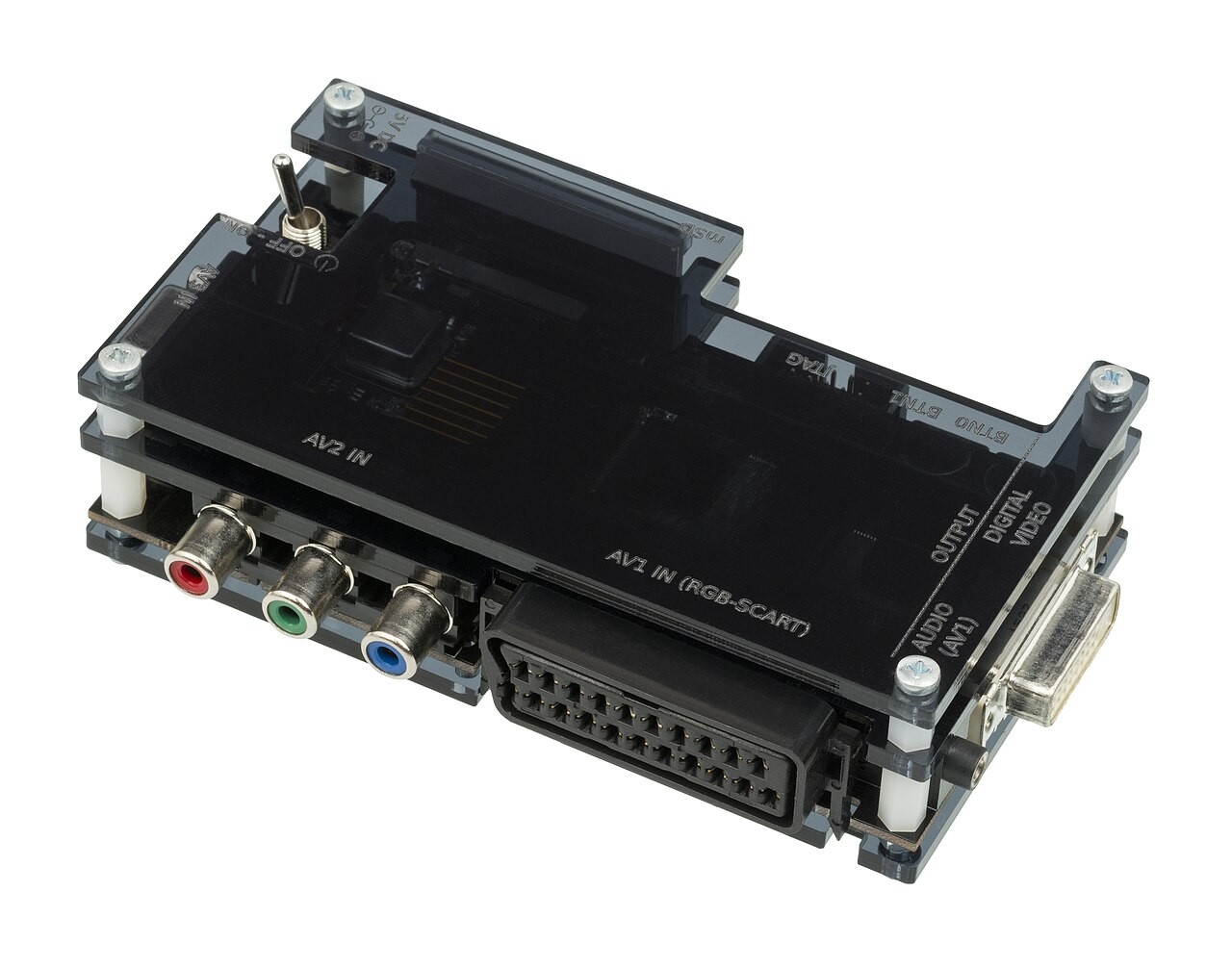
The catch? Well, the N64 can’t natively do RGB, so you’ll need to also pick up a composite transcoder. I happen to use a really old Sony unit that converts things into a red, blue, and green signal the OSSC can use over SCART, but add-on boards for the upscaler and alternatives like the ODV-II will help with compatibility.
Alternatively, there’s also a “Pro” version of the GBS-C, the upscaler featured in my how to play PS2 games guide. It’s not my preferred N64 upscaler, but it will provide you with on-board composite and S-Video, saving you from daisy-chaining devices. Of course, you can also branch out into premium options by RetroTINK (like the newly announced 1440p 6X CE) or Morph 2K, but you’re talking much higher price tags for FPGA features and elevated results.
N64 mods
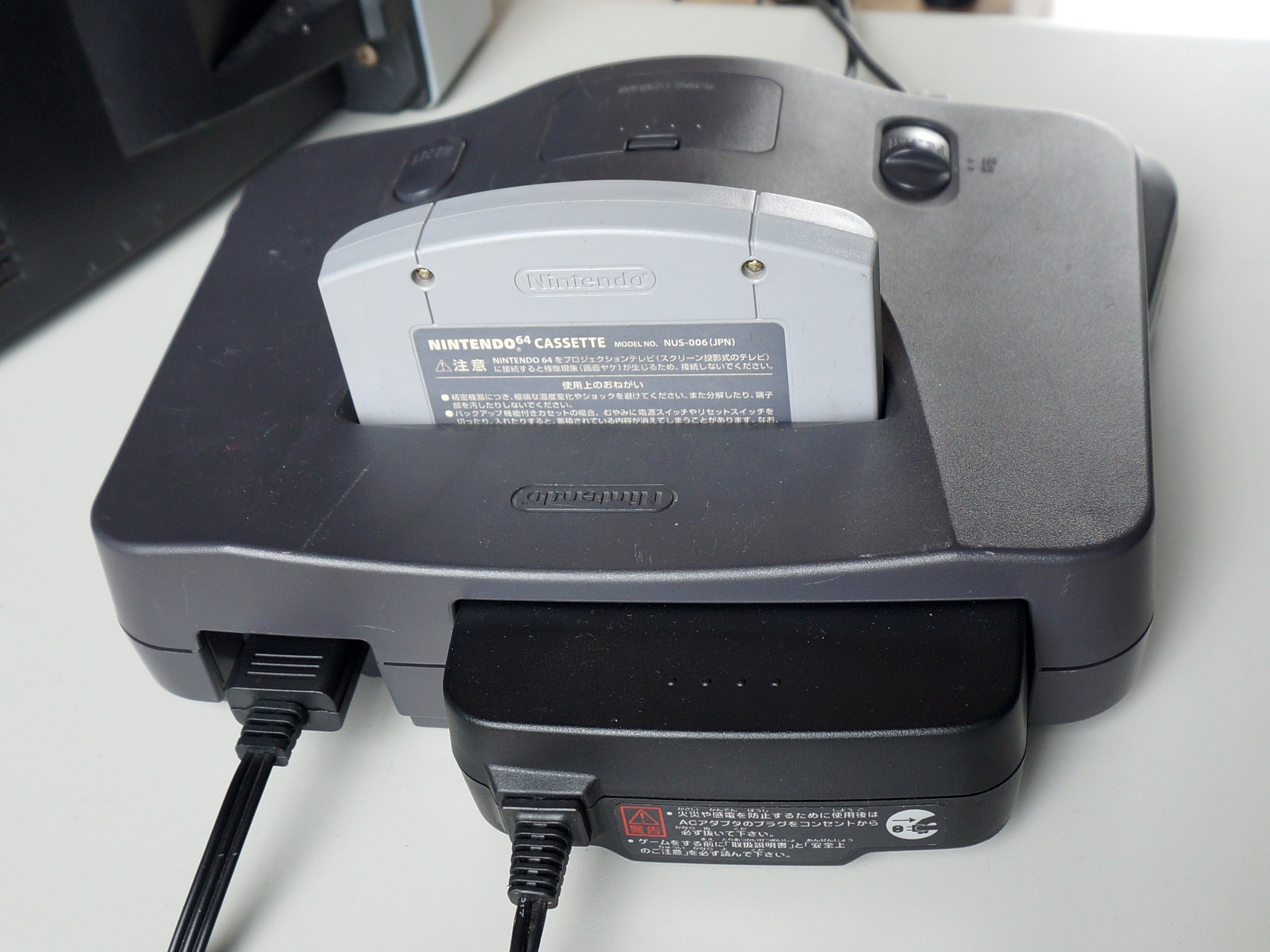
If you’re up for a bit of modding, you can help the N64 really shine as part of a modern setup. A bit of tinkering can not only give the console enhanced abilities, but it can even solve some of the connectivity woes already mentioned by enabling RGB output or even adding an HDMI port for extra convenience.
RGB modding your N64 will help provide upscalers with the cleanest N64 signal possible. If you’re up for a bit of soldering, kits are available at AliExpress that will allow you to use SCART or component cables with an NTSC console’s Multi Out port. However, if you want the highest quality parts possible, and PAL compatibility to boot, it’s best to invest in a Tim Worthington board since it’ll also de-blur games.
Alternatively, you can HDMI mod your N64 using affordable kits, and it will save you from using a standalone upscaler. Kits by the likes of Highspeedio are available for under $40 and will extract a clean signal straight from the console’s PPU that’s then outputted at 720p, and the results aren’t too shabby. You can spend more on higher-res parts like the UltraHDMI, but I’d say the difference is minimal considering the price gap.
FPGA hardware
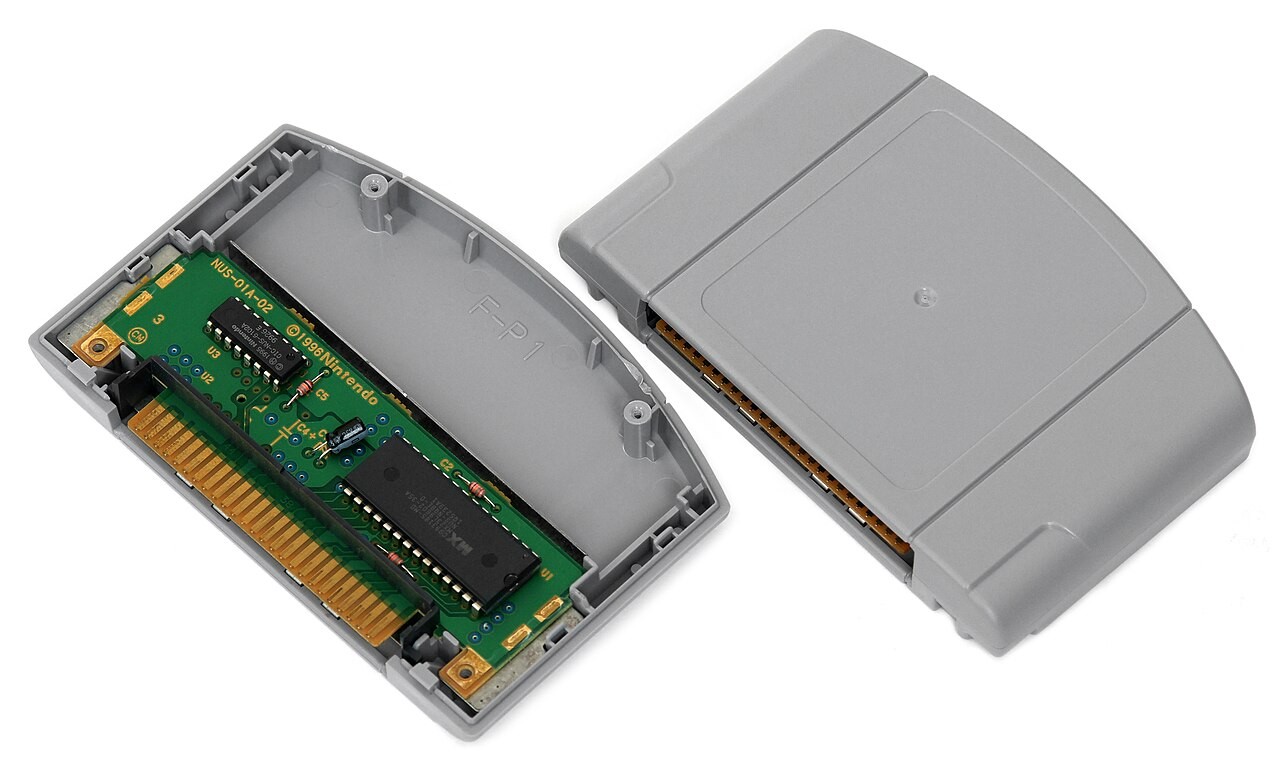
Yes, getting clean visuals out of a real N64 is hard work, and that has fuelled a demand for FPGA tech that can replicate the original hardware and strip out the caveats. That’s exactly what you’ll get when investing in an Analogue 3D, as it’s designed to mimic the innards of the console with 100% accuracy while enabling invaluable features and scaling up to 4K.
For all intensive purposes, the Analogue 3D is an N64. Or, at least it thinks it is one on a hardware level, as it boasts 100% compatibility with the console’s library. Sure, if you’re a speedrunner or rely on cycle accuracy, you’re still better off sticking with the real deal, but you’re otherwise getting complete original support for carts, controllers, and accessories alongside convenient HDMI output.
On top of that, the Analogue 3D can also tap into some pretty impressive features, including a library that will track your carts, screenshots, and save states. The FPGA chipset can even overclock games that need a performance boost and even disable dithering, blur effects, and anti-aliasing to clean up visuals. The real game-changer, though, is the 3D’s “Original Display Modes”, which effectively mimic the look of CRT screens using model-specific scanline, shadow mask, and Aperture Grille effects.
Throw some of the 3D’s latest horizontal resolution upscaling tricks into the mix, and you’ve got one of the best-looking N64 experiences out there. Analogue isn’t the only one with an FPGA alternative, though, as you can put together your own MiSTer setup using specific cores and run your ROMs with similar hardware accuracy.
Controllers, accessories, and add-ons
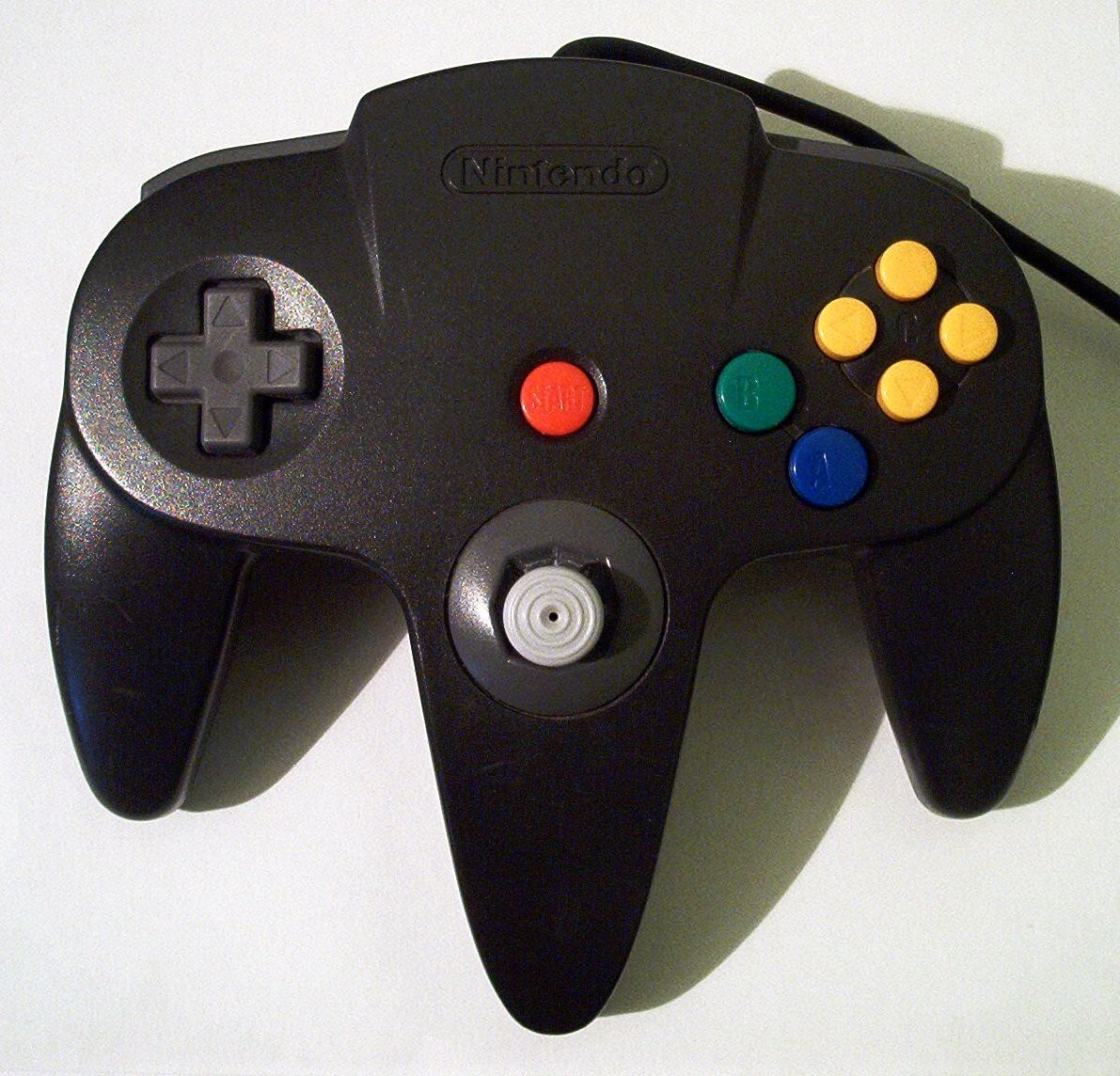
In typical Nintendo fashion, there’s a wealth of N64 accessories out there, both original and brand new. Some add-ons, like the Rumble Pak for adding controller vibration and the Memory Pak for saving non-gameplay data, are optional, but there are absolutely a few mandatory gadgets I’d look at right away.
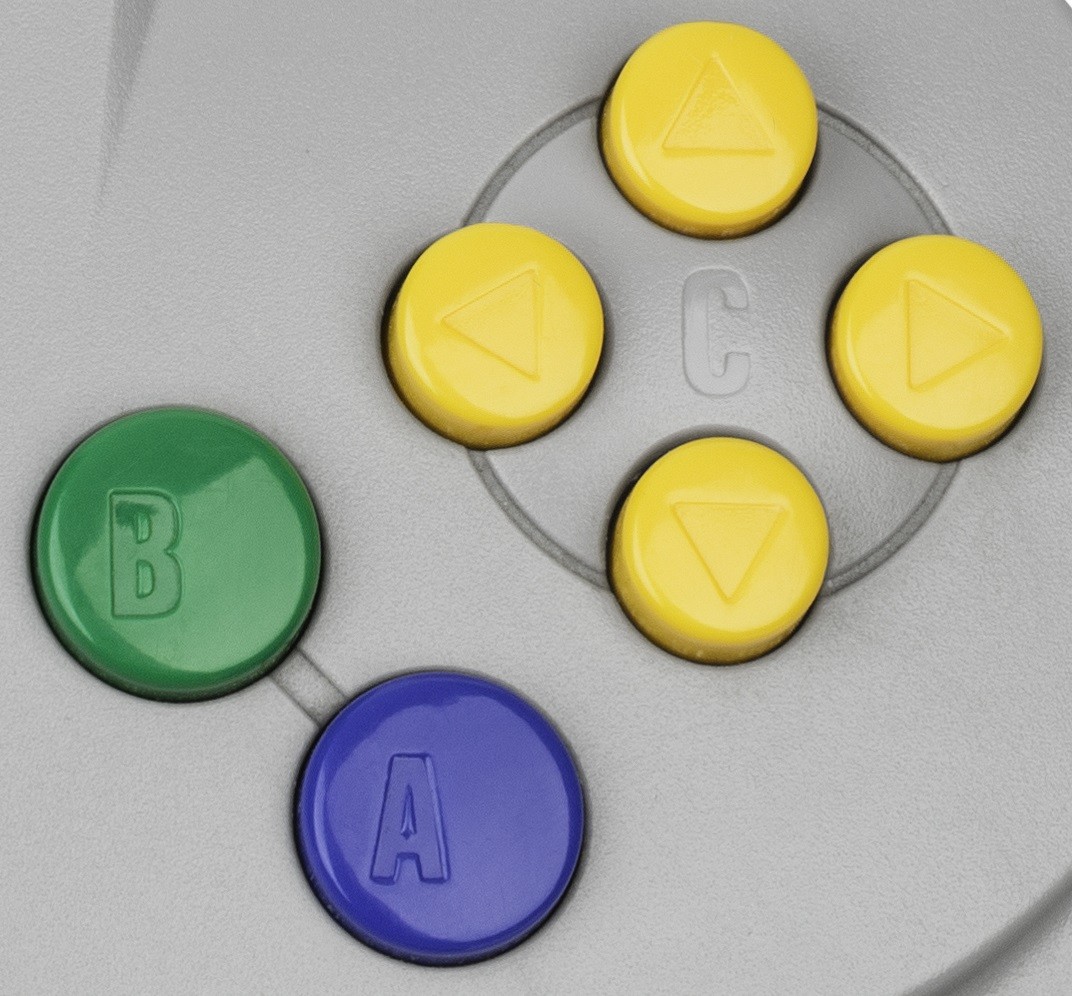
The first is, surprise surprise, a gamepad, as Mario isn’t going to be doing sweet backflips without one. Picking up the OG accessory will keep things authentic, but it also means dealing with its weird three-grip trident ergonomics and worn, wobblily joysticks that are prone to stick drift and response issues.
The quick solution here is to pick up a redesigned retro controller that boasts Nintendo 64 compatibility. One of my personal favorites, the 8BitDo N64 controller, launched alongside the Analogue 3D and adds Nintendo’s specific layout to a contemporary shell while adding Bluetooth or 2.4GHz capabilities.
If you’d rather just use Switch, PS5, or Xbox controllers you’ve got lying around, I’d also recommend picking up a Blueretro Bluetooth adapter. This doohickey will let you sync four pads wirelessly, meaning you won’t be caught short when hosting a GoldenEye sleepover.
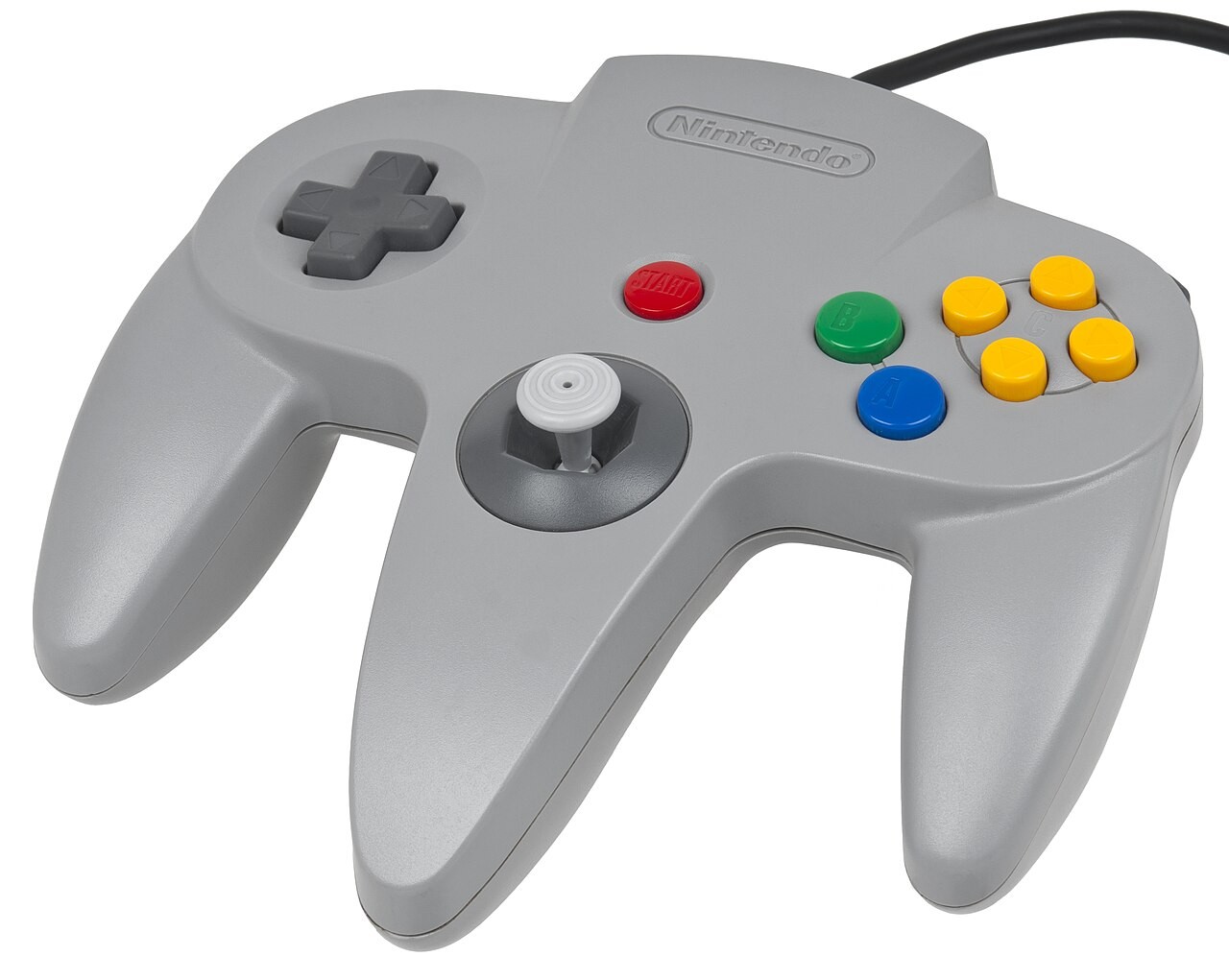
As convenient as opting for a new controller is, especially those with improved ergonomics and Hall effect sticks, I get why you perhaps want to stick with the OG pad. Those of you in this camp may want to consider fixing up the real deal with new parts as a compromise, as you can swap out worn-out old thumbsticks for something newer.
I’m lucky enough to still have box-fresh pads, but I have dabbled with modding N64 controllers with hall effect thumbsticks. If you opt for something by the likes of Hyperkin ($14.99 at Amazon, FYI), you’ll get the feel of a GameCube-style stick and something that’s immune to stick drift, and I can confirm it provides almost the same level of input range and accuracy as the old optical-mechanical stick.
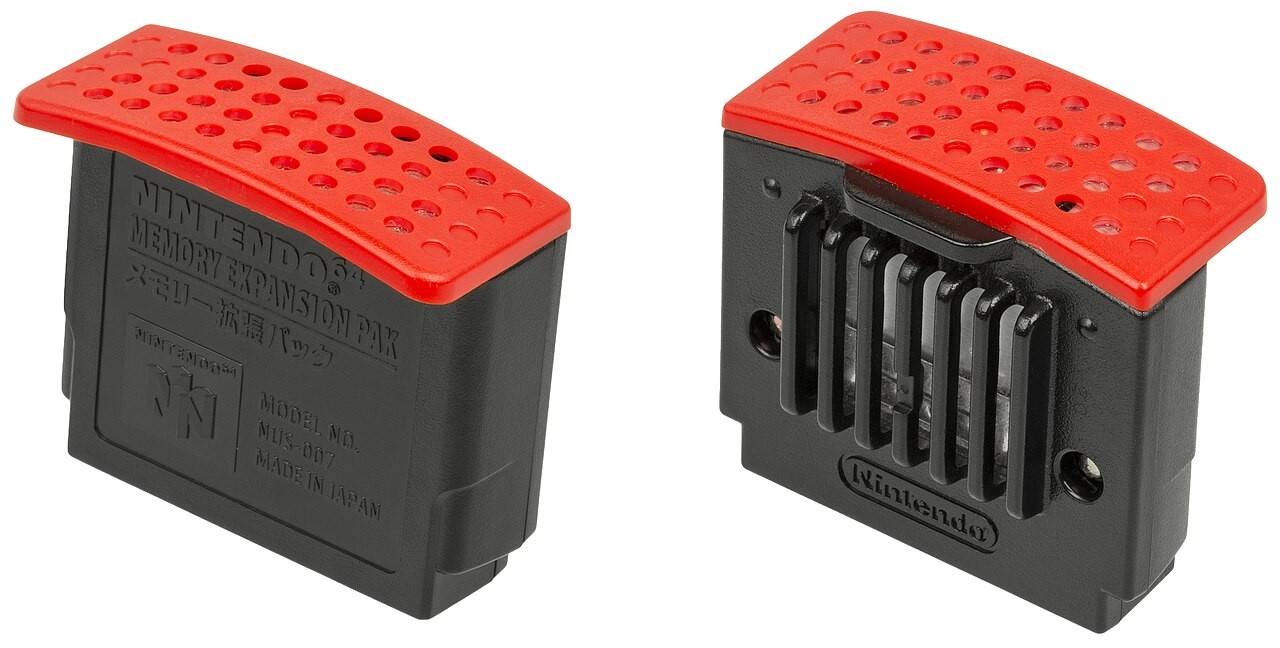
Outside of picking up a controller, you’ll also want to pre-emptively consider picking up an N64 Expansion Pak. The memory upgrade module that goes in that front slot is technically optional, but without one, you won’t be able to run some of the console’s greatest outings, like Majora’s Mask, Donkey Kong 64, or Perfect Dark. Therefore, I’d nip things in the bud and get one from day one.
What I will say is that the N64 Expansion Pak is pretty pricey for what it is, and no, it’s not thanks to RAMageddon. You’re looking at around $50 at eBay for the original accessory, and there’s a distinct lack of new third-party options out there. The easiest way to identify an actual memory module is usually the red plastic grill at the top, but some old unofficial versions have extra funky covers that replace the original flap.
On that note, you’ll also want to make sure you don’t pick up a standard Jumper Pak like the all-black one that’s already in your console, as while that will allow you to power things on if it was missing, it won’t give you the required memory boost for specific games. I’ve noticed an increase in second-hand sellers listing the dummy bridge Paks as Expansion Paks, and AliExpress has a nasty habit of confusingly calling them “Expansion Cards”.
While we’re on the subject of memory, I’m hesitant to completely dub the Memory Pak for game saves as mandatory. However, there are specific releases that require it for game saves, like Doom 64, Turok, and Rayman 2: The Great Escape. For that reason, I do think it’s worth picking one up before you start diving back into carts, but if you opt for a Blueretro Wireless Adapter or the 8Bitdo N64 controller, both actually come with storage included that’s detected as a memory card.
The biggest nuance tied to using a Memory Pak is that it then occupies your controller slot, preventing you from also using gadgets like the Rumble Pak or Transfer Pak for Pokémon Stadium. Third parties once sold units that combined the two functions and allowed you to toggle them with a switch, but those can be harder to find today and pricey to boot.
Playing cartridges on the N64
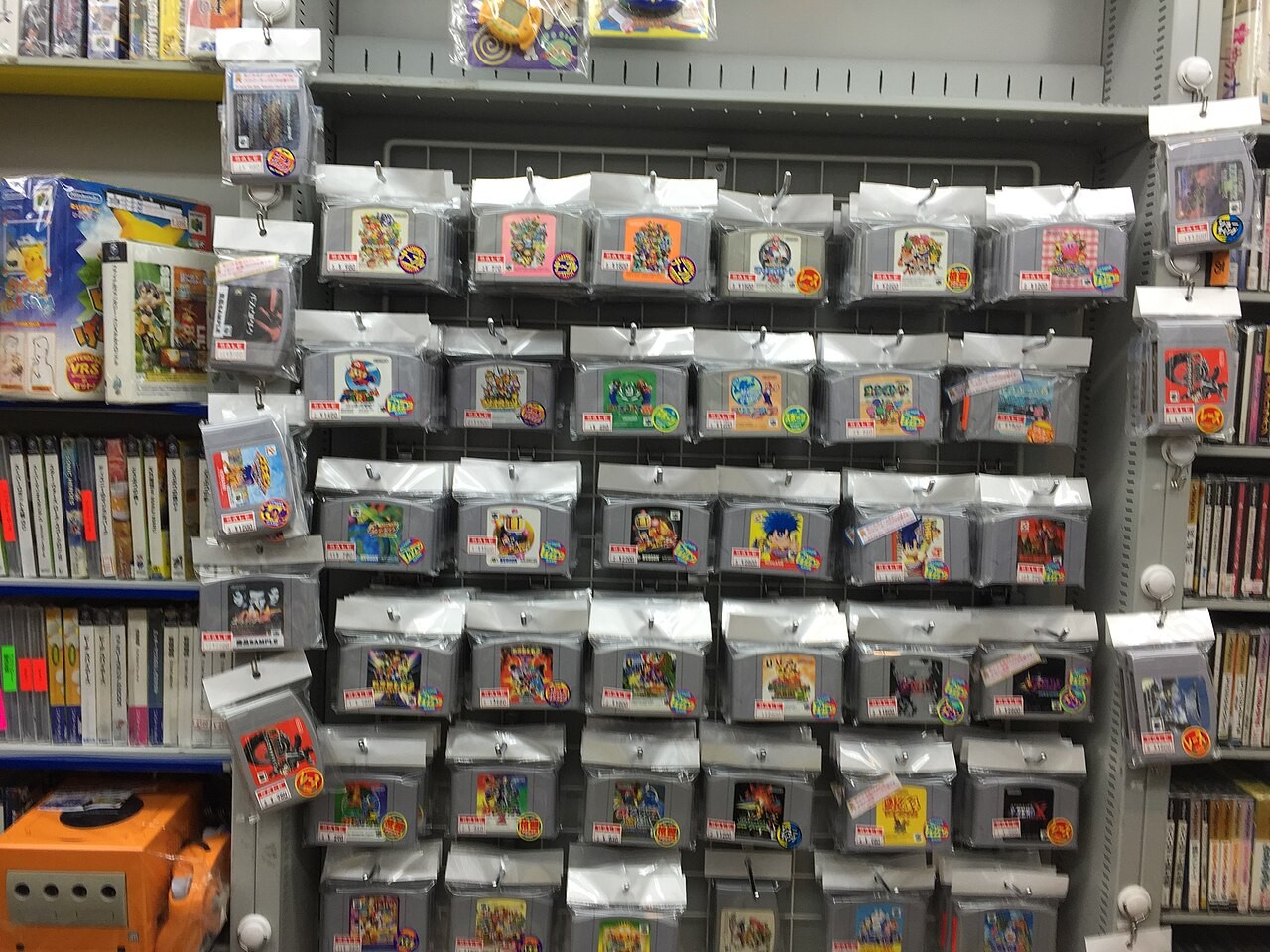
With the core of your N64 setup in place, you’re ready to jam those old cartridges into your system. Theoretically, that’s as simple as grabbing a cart, popping it into the top loading slot, and flicking the switch, but there are hurdles that can lead to a dreaded black screen.
The first isn’t exclusive to the Nintendo 64, as it ties to the cartridge contacts. If your carts are dusty, dirty, or potentially even corroded, they might not work on your console, and the quickest fix is to give them a quick clean with a Q-tip and some 99% isopropyl alcohol. You can also grab cleaning kits, but those can be pretty pricey compared to DIY solutions.
I’m not going to lecture you about blowing into the cartridge like a harmonica, as for some of you, it’s part of the experience. Just know that if you do it, though, you’re contributing to the very issues you’re trying to sort, as the moisture from your breath can corrode the pins over time. Yes, it’s a quick way to remove dust, but I’d get yourself some supplies so you can keep old adventures spittle free.
The other stumbling block ties to region locking, as Nintendo really didn’t want you importing games back in 1996. To hinder you from doing so, it made physical tweaks to the carts and slot so that they don’t fit, but you can actually play Japanese games in an American N64 and vice versa with a really simple mod.
Effectively, the only thing stopping NTSC games running on every system is a plastic insert. It’s designed to line up with cut outs on the cart, with Japanese games using squares and USA releases featuring narrower corner indents. If you pop the top off your N64, you can replace the cartridge tray with one missing the notches, either via 3D printing or pre-made kits at Amazon, which will then let you insert every cartridge type.
The catch is that while it will also let you insert PAL region games, those still won’t run on your NTSC system. The reason is explicitly tied to technical differences with the encoding system standards, with European and Australian games being designed to run at 50Hz instead of 60Hz. You can get around this by using old region adapters like the N64 Passport that spoof compatibility by using two carts simultaneously, but the results are unpredictable.
If you’d rather avoid fumbling around with multiple carts, and fancy diving into the wonderful world of N64 homebrews, you’ll also want to consider a flash cart. I can personally vouch for the SummerCart64 ($87.99 at Amazon), as the open-source accessory lets you load your collection onto an included 8GB SD card and even simulate N64 Disc Drive games. I’ve been primarily using it to check out fantastic Zelda ROM hacks, and it works well on both OG hardware and the Analogue 3D.
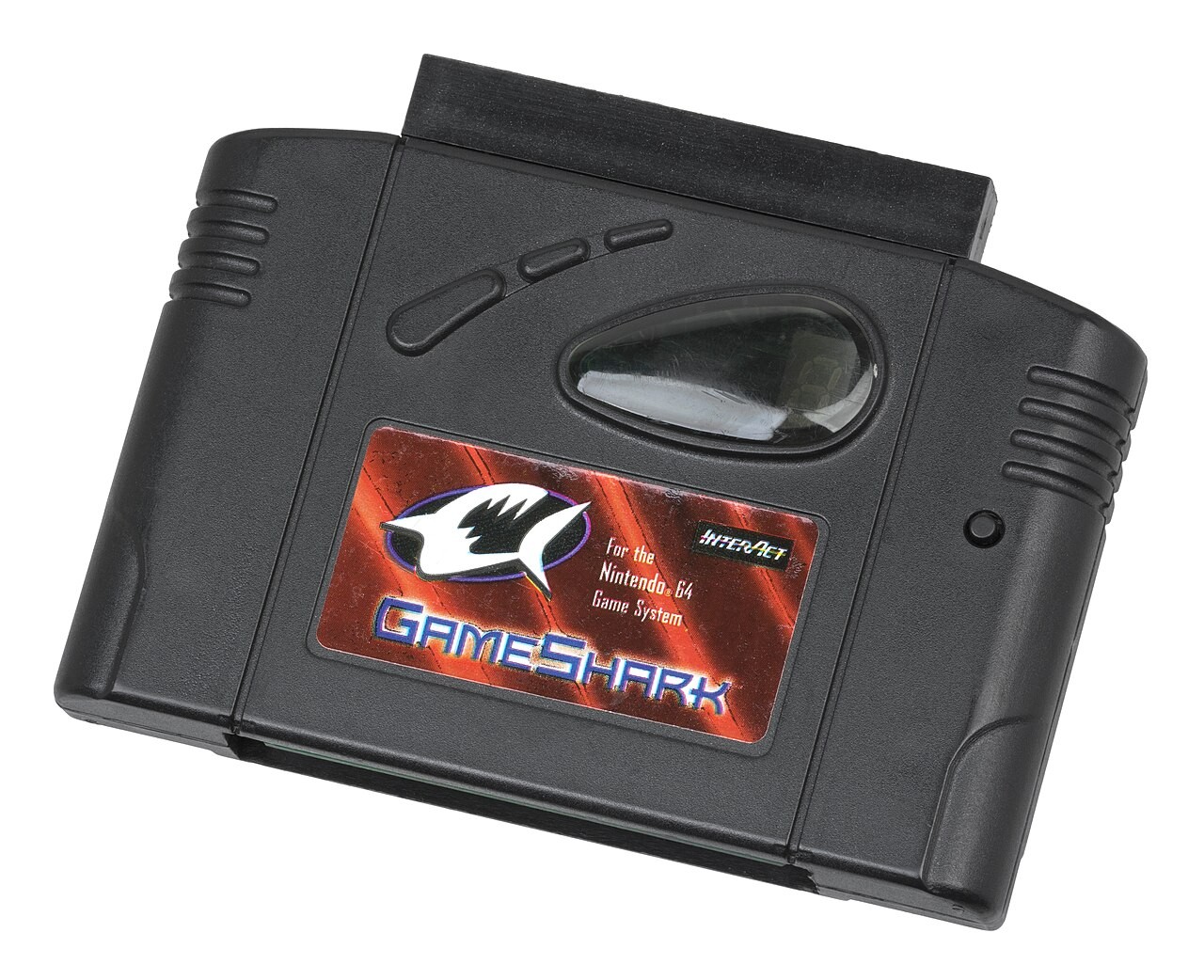
The Summercart64 also solves the issue of region locking, as it’s designed to fit in every model and cater to PAL and NTSC. There’s specifically a modal option for setting your TV type for each game, which is incredibly handy if you’re trying to avoid playing imports in black and white on an old CRT or region-specific screen.
Top tips
Check your TV connections
If you’ve got a TV from the past decade, you’ll want to check if you have more than HDMI. If you don’t have access to classic inputs like composite or S-video, you’ll have to invest in an upscaler or passive adapter.
Double check your expansion bay
Some N64 console out in the wild will be missing the Jumper Pak in the front bay, and if you haven’t got one or an Expansion Pak RAM upgrade, your system isn’t going to power on.
Test the power adapter
Unlike its rivals, the N64 features a modular power supply that plugs into the back of the system. You’ll want to make sure it’s plugged all the way in and that the pins aren’t dirty to avoid reset and start-up issues, and if it appears to be cooked, you can replace it.
Clean your games
N64 games are endured 30 years of dust and grime, so there’s a good chance your carts will need a clean. If your pins are spotless, you’ll also want to make sure you’re not trying to play PAL releases on an NTSC system or vice versa, as this won’t natively work.
Troubleshooting
My N64 won’t show up on my TV
If you’ve got an HDMI adapter or upscaler plugged into your N64 and you’re still not getting an image, you’ll want to check your connection type and console model. Later revisions of systems, like the NUS-CPU-P-02 and the pretty Pikachu edition, actually lack S-video, so if you’ve got that cable specifically plugged into a upscaling device, it’s not going to work. There’s also a chance you’ve got an RGB cable plugged in, which also isn’t going to output an image since the Nintendo 64 natively lacks support.
Failing that, you should also check your Jumper/Expansion Pak is properly inserted and that your games are clean. Both can result in games not starting up, meaning you’ll get a black screen.
My cartridge won’t fit
Over the years, N64 games for overseas have made their way to different countries. That means you could end up trying to insert a Japanese game into an American console, and thanks to specific notches inside, that’s not going to work. If you’re itching to play in import, you can modify your system by replacing the internal cart tray plastic, but PAL region games will require special adapters.
My N64 joystick is wobbly
Finding N64 controllers with a joystick that doesn’t wobble is becoming a rarity, and it’s caused by wear and tear. Years of swinging Bowser around causes the optical-mechanical mechanism inside to grind away the bottom bowl, meaning there’s extra space at the bottom. The quick fix for this is to replace the internal module either using a like-for-like replacement or a new hall-effect thumb stick, with the latter ensuring stick-drift is a thing of the past.
Good to know
The best N64 games of all time
Our list to the 25 best Nintendo 64 games will help you add essential outings to your collection.
Make your own HDMI N64 with this mod
If you want to hook straight up to a modern TV, you could add HDMI to your original N64 using a mod kit.
How to connect to modern TVs and monitors
This guide will clue you up on connecting every retro console to your modern screen, including the N64.
Mod your N64 controller
Yes, you can replace your N64 joystick, but you can do one better and upgrade it with hall effect tech.
Emulation
It’s needless to say that while playing on real hardware is a treat, plenty of you will be looking to emulate N64 games. The issue is that unlike other consoles from the ’90s, the Nintendo 64 is notoriously difficult to emulate using software, and while there are solid options for playing, your milage will vary based on your device.
What you will need
One of the biggest challenges you’ll face trying to play your N64 cartridges on other devices is actually getting them on there. Yes, you will need to own an actual cartridge and a the real console regardless, as you’ll otherwise be sailing the seven seas of piracy. Even then, the whole process should be strictly for private use, and if you’d rather steer clear of legal grey areas and long-standing arguments that extracting ROMs is a copyright infringement, you might want to just stick with licenced ports of classics.
Yes, I know being told to consider a modern console for N64 games isn’t ideal, but the Switch will provide you 44 classics without faffing with emulators and ROMs. You’ll also be able to use authentic controllers like the 8Bitdo N64 controller or Ninty’s own NSO Nintendo 64 controller, so you won’t be stuck with JoyCons or a modern pad. What you won’t have is access to specific options and overlay settings, but in return, you’re getting set, reliable performance.
Retro handheld options
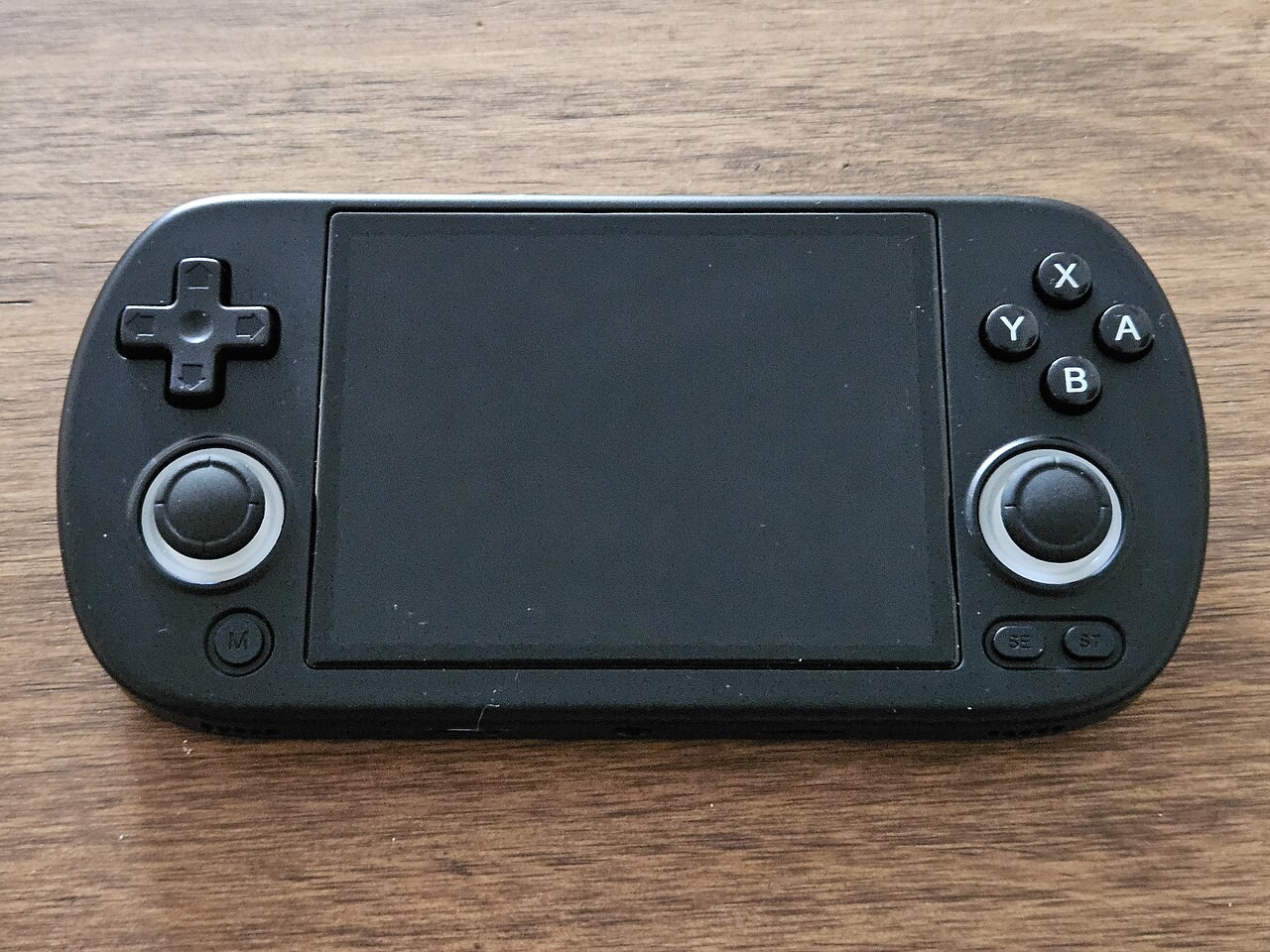
The best retro handhelds are designed with emulation in mind, but not every portable will play nice with N64 games. For the best results, you should aim for at least a mid-range gadget, while some of the more premium options will cover more of the Nintendo 64 library with minimal caveats.
|
Display |
At least 640 x 480 |
|
Operating system |
Windows, Android, or Linux |
|
Controls |
At least one thumb stick, d-pad, four face buttons, L and R back bumpers, L and R triggers |
|
Chipset |
Quad-core ARM Cortex-A55 or better |
|
RAM |
3GB or more |
|
Storage |
32GB minimum |
I’ve wrestled with N64 emulation on everything from handhelds to PCs over the past two decades, and sometimes extra horsepower won’t save you. That said, I find that aiming higher with handheld specs does help difficult-to-run N64 games out in the frame rate and visuals department, so if you’ve got the funds, something like the Anbernic RG Cube can provide nice results.
If you’d rather pick up something more budget-friendly, you can get away with lower-spec options like the RH36, unbranded portable that’s typically under $50. The main issue there is that you’ll have to stick with some of the earlier adventures like Super Mario 64, as games that require a Expansion Pak or are harder to run will suffer in the frame rate department (like Perfect Dark and Goldeneye).
How to play N64 games on a handheld
- Fetch a compatible emulator like Project64
- Import your N64 ROMs to your device
- Let the app scan your game collection folder
- Launch your chosen game to check performance
- Tweak scaling or graphics API if required
How to play N64 games on PC
- Install an emulator like Ares and Gopher64
- Import your game ROMs to the app’s library folder
- Scan the folder for your games to add
- Plug in a compatible USB gamepad and map buttons in the settings menu
- Check performance and tweak graphics/scaling settings if required
How to play N64 games on iOS
- Head to the app store
- Download Delta or Retroarch emulator for N64 games
- Add the folder with your game ROMs
- Let the app scan for files and launch your game
Check out how to play PS2 games if you’re looking for more retro setups.