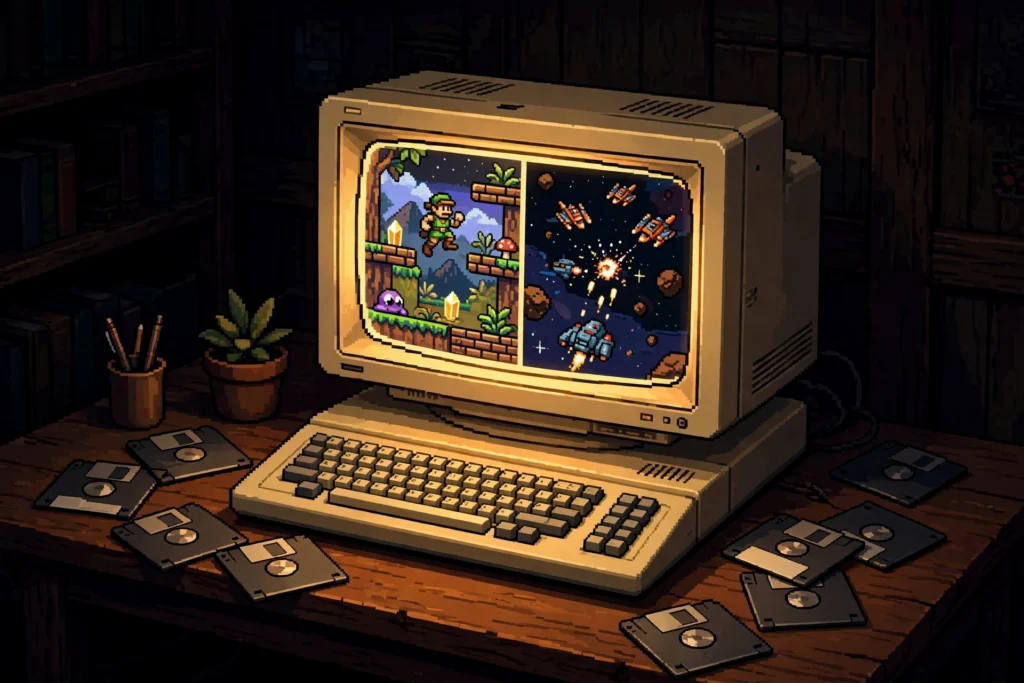
The Amiga is the great “you had to be there” machine — except you didn’t. Its games are still here, its demoscene is still releasing, and in 2026 there are more ways to play Amiga games than there have ever been. The problem isn’t access; it’s choice paralysis. WinUAE or FS-UAE? WHDLoad or floppy images? A mini console, an FPGA core, or a real A1200 with a compact-flash card where its hard drive used to be? This guide walks every sensible route, in the order most people should try them, with the one legal gotcha — Kickstart ROMs — explained before it trips you up.
First, the legal bit nobody explains properly
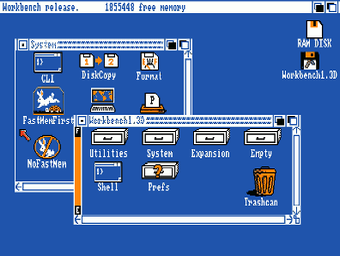
Every Amiga, real or recreated, starts with Kickstart: the machine’s firmware, still under copyright, and the reason no emulator can legally just bundle everything and be done. The clean, cheap solution is Amiga Forever from Cloanto — a licensed package that includes the Kickstart ROMs and Workbench files you need, works with the emulators below, and takes the legal question off the table for the price of a takeaway pizza. Owners of real Amiga hardware can also dump their own machine’s ROM. What you should not do is build your setup on a random ROM file from a download site and then wonder why versions mismatch: Kickstart 1.3 for most floppy-era classics, 3.1 for the AGA machines, is the pairing most games expect. Ten minutes of doing this properly saves hours of black screens later.
Games themselves follow the usual rule of this site: own the original, or buy the many Amiga classics that are sold again today in compilations and digital editions. With Kickstart sorted, every route below is open. Pick by temperament, not by purity.
Route 1: WinUAE — the reference emulator, and the place to start
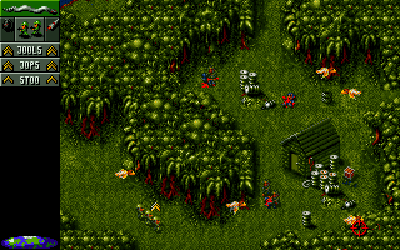
If you have a Windows PC, start here, because WinUAE is not just an emulator — it is two decades of one developer’s obsession with getting the Amiga exactly right, down to the floppy drive sounds (yes, they’re simulated; yes, you’ll leave them on). It handles everything from a 1987 A500 running Kickstart 1.3 to a tricked-out AGA machine, supports hard-drive images, WHDLoad, network play, and more display and input options than you’ll ever finish exploring. The quickstart configurations are the trick beginners miss: pick “A500, Kickstart 1.3” for most floppy games, “A1200” for AGA titles, insert the disk image, and you’re playing inside a minute.
The honest caveat is that WinUAE’s power shows in its settings panels, which can look like the cockpit of a plane you’re not licensed to fly. Resist the urge to tune. The presets exist because they work; the only setting most players should touch is swapping the mouse-and-keyboard for a modern gamepad, which takes a minute and transforms the arcade half of the library. Cost of entry: nothing beyond the licensed Kickstart package. Quality of entry: reference standard. For most people reading this guide, the journey honestly ends here — happily.
Route 2: FS-UAE, Amiberry and the non-Windows world
On Mac and Linux, FS-UAE is the friendly front-end built on the same emulation lineage, with a proper game library view, controller-first navigation and a launcher that treats Amiga gaming like a console library instead of a filing system. If WinUAE is the engineer’s workshop, FS-UAE is the showroom — slightly fewer knobs, dramatically less homework. It pairs naturally with WHDLoad packages and a big-screen TV, and for couch play it’s the route we’d hand a newcomer on any platform.
On a Raspberry Pi, Amiberry is the name that matters: a lean emulator tuned for ARM boards that turns a Pi into a dedicated little Amiga, booting straight into your library. It’s the budget hobbyist route — an evening’s tinkering, a microSD card, and a machine under the TV that boots faster than the real thing ever did. Expect A500 and A1200 classics to run beautifully; expect to enjoy the setup itself, because on this route the setup is half the hobby. All three routes share the important trait: they run the WHDLoad library in the next section, and that library is what makes Amiga gaming in 2026 genuinely painless.
The WHDLoad trick — the single biggest quality-of-life upgrade
Ask an Amiga veteran what changed everything and they’ll say one word: WHDLoad. The Amiga’s original sin was the floppy disk — games spread across two, three, five disks, swapping mid-level, loading at the speed of 1989. WHDLoad is a long-running community system of installers that takes those floppy games and runs them from a hard drive (real or emulated) instead: no disk swaps, no loading crawls, quit keys back to Workbench, and often bug fixes and trainer options the originals never had. Thousands of games have installers, maintained for decades by people who treat this as archival work, because it is.
In practice, WHDLoad is the difference between “I sampled the Amiga for an evening” and “I have an Amiga library I actually play.” Every route in this guide except the plug-and-play mini can use it, and setting it up amounts to: a Workbench hard-drive image, the free WHDLoad package, and game installs that the community distributes in tidy, ready-to-run form for use with your own originals. Do this one piece of homework and the machine’s reputation flips — from the floppy-shuffling museum piece of retro folklore to a library as instant as any modern console’s.
Route 3: MiSTer FPGA — the hardware soul, without the hardware age
If you read our MiSTer verdict yesterday, the Amiga chapter will sound familiar — because the Minimig core is one of the best reasons to own the platform. An FPGA doesn’t simulate the Amiga’s custom chips the way software does; it reconfigures its gates to behave as them, which gives you the timing, the copper effects, the stubborn edge-case demos and games, rendered with effectively no lag and — if you add the analogue output board — a true 15 kHz signal for a real CRT. WHDLoad works beautifully here too: a MiSTer with a well-built Amiga hard-drive image is, for many owners, simply “the Amiga” now, the one that lives under the TV while the original rests in its box.
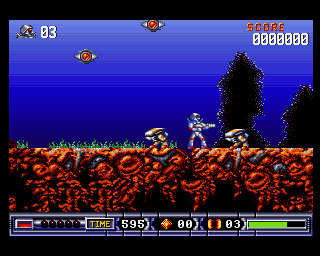
The caveats are MiSTer’s usual ones: it’s a kit you assemble or buy pre-built at a premium, the all-in cost lands in the few-hundreds, and keyboards-and-mice computing takes a little more arrangement than a console core. For pure gaming, though — Turrican II, the Lotus trilogy, Alien Breed, the Cinemaware library — FPGA Amiga is as close to a serviced original as makes no difference, with none of the servicing. If this guide’s other routes leave you cold and the budget exists, this is the connoisseur’s answer.
Route 4: THEA500 Mini and THEA1200 — the five-minute route
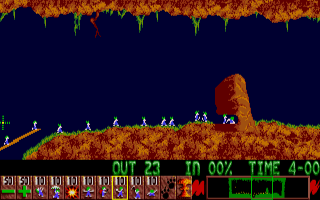
Retro Games Ltd, the people behind THEC64 line, took the obvious-in-hindsight route: a miniature A500 — THEA500 Mini — with 25 built-in games, a working recreation of the tank mouse, a proper gamepad, and USB loading for WHDLoad packages of your own games, followed by the full-size THEA1200 for people who want the big keyboard machine with the same plug-and-play soul. There is no Kickstart hunting, no configuration, no front-end to assemble: it is the five-minute route from box to Lemmings, and for a gift, a desk toy, or a first taste before committing to a deeper setup, that’s exactly right.
Know its limits before you buy. The built-in library is a taster, not the canon; the emulation inside is good rather than reference-grade; a mini’s keyboard is decorative (the full-size machine fixes that complaint); and you’ll outgrow the bundled controller. Think of the mini the way we think of all the minis: a gateway with a silhouette, honest about being a souvenir that plays games. Owners who start here and fall hard for the machine graduate to Routes 1–3 — and keep the mini on the desk, because look at it.
Route 5: Real hardware in 2026 — worth it, with eyes open
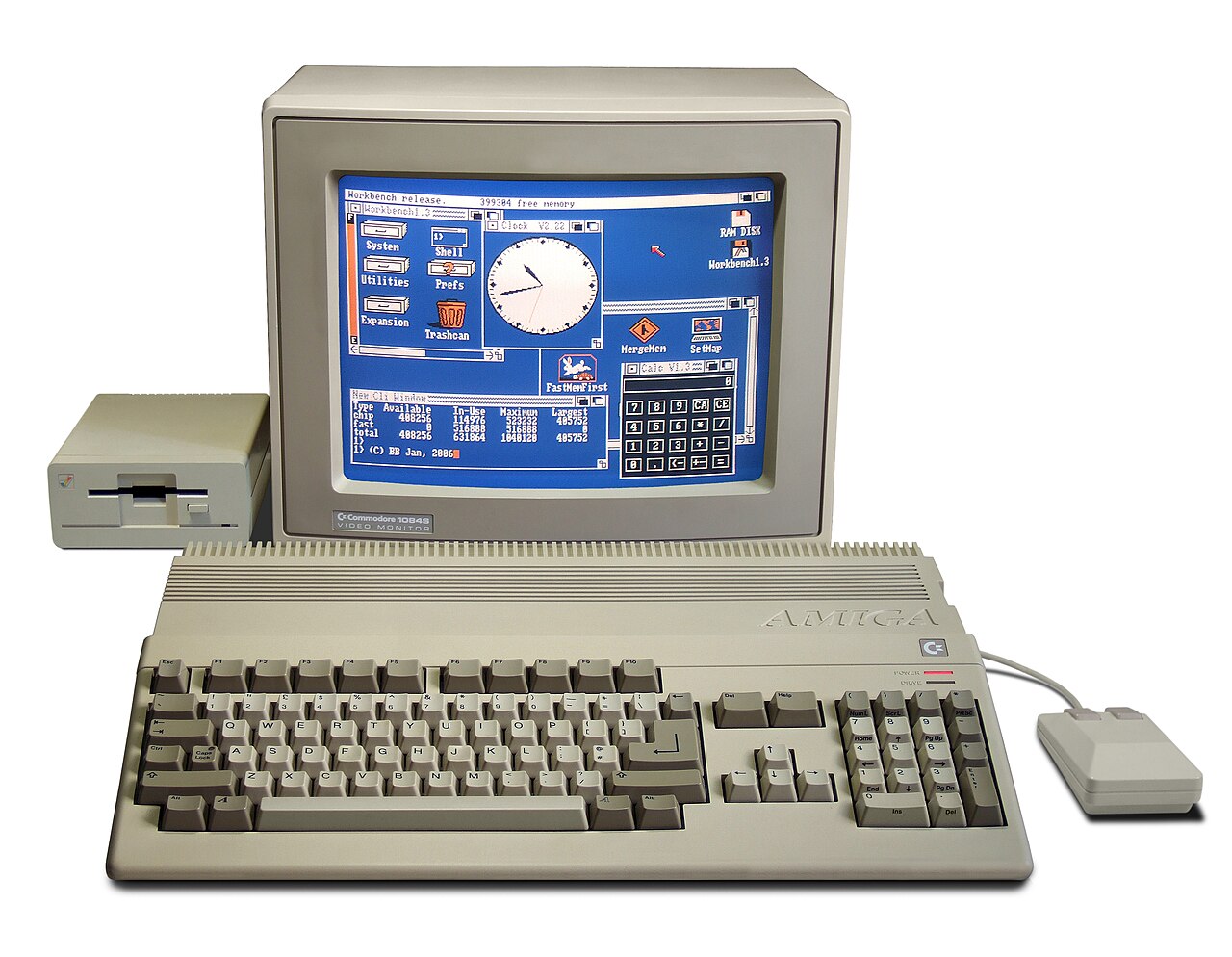
And then there’s the real thing. An A500 or A1200, a modern power supply (do not trust a forty-year-old brick with your board), a Gotek floppy emulator or a compact-flash hard drive, and an output solution — a good scaler for an HDMI TV, or a CRT if your back and your floor space allow. The modern original-hardware Amiga is a hybrid creature: original chips doing the thinking, modern storage doing the fetching, WHDLoad doing the mercy. Set up well, it is unbeatable for feel, for the keyboard under your fingers, and for the demoscene parties where half the room still brings real machines.
Eyes open, though. These machines are pushing forty. Capacitors age — the A1200, A600 and A4000 are famous for leaky ones that eat boards — batteries leak, floppy drives fail, and prices for clean, serviced examples have climbed out of the car-boot era for good. Budget for a recap and a check-over by someone competent, or buy a machine that’s already had the work, from a seller who says so in writing. Real hardware is the most romantic route in this guide and the only one that can send you a repair bill. Some of us pay it gladly. Just pay it informed.
Which route should you take?
You just want to play, tonight: WinUAE on Windows or FS-UAE elsewhere, Amiga Forever for the ROMs, WHDLoad packages for the games. Free-to-cheap, reference quality, done in an hour. You want a couch machine: FS-UAE on a spare PC, Amiberry on a Pi, or THEA500 Mini if menus and settings are the enemy. You want it to feel like hardware: MiSTer’s Minimig core — the FPGA route — or a serviced real A1200 with CF storage and WHDLoad, if the romance (and the upkeep) appeals. You want a gift or a first taste: the mini, no homework attached. And whichever route you take, load these first: Lemmings and its sequel’s tribes, Turrican II, Sensible Soccer (then its SWOS descendant), The Secret of Monkey Island, Another World, Pinball Dreams, and Speedball 2. That’s the machine’s soul in an evening — demos of everything the Amiga did better than anyone: colour, sound, attitude, and games that still play like they were made this year.
The Amiga never really died; it just waited out the industry in the homes of people who refused to sell theirs. In 2026 the routes back in are better than they’ve ever been — cheaper than a serviced original, kinder than a shoebox of floppies, and honest about the one licensed file that makes it all legal. Pick a route, sort your Kickstart, install WHDLoad, and open the trapdoor. The lemmings are still falling. They’ve been patient. You should go and save them.