The Commodore 128 has become the connoisseur’s Commodore: rarer than the C64, more capable than everything else in the 8-bit line, and — after decades as the forgotten middle model — climbing steadily in collector esteem and price. Buying one in 2026 is not difficult, but buying a good one requires knowing the family’s three shapes, its handful of genuine weak points, and which accessories make the system whole. This guide covers the variants, the checks that matter, the display problem every buyer must solve, and the modern storage that turns a 1985 computer into a painless daily retro machine. Prices move; treat every figure here as orientation, and check current listings before money changes hands.
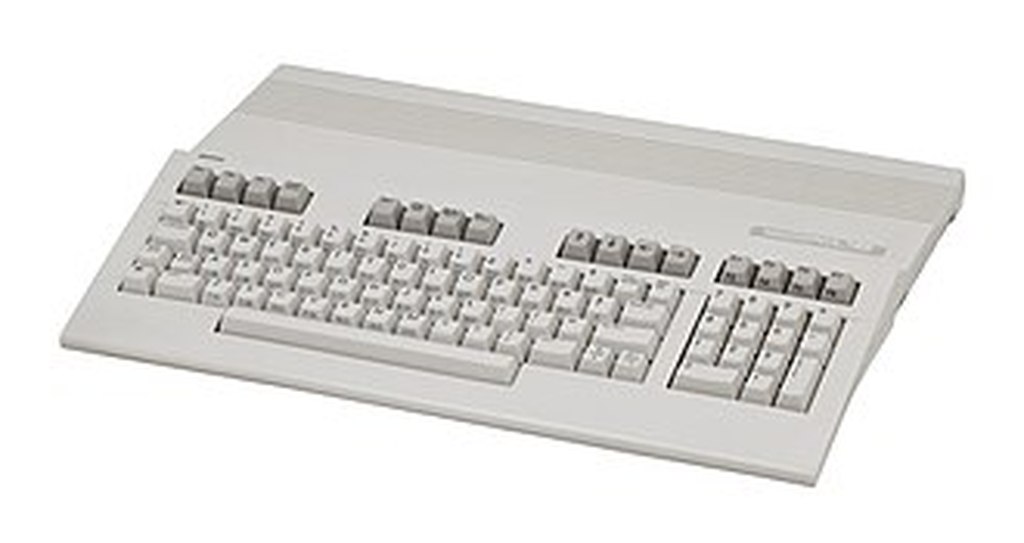
The three shapes: flat, D, and DCR
The original flat 128 (1985) is the wedge-with-keyboard model most listings show: full keyboard with numeric pad, external power supply, 16KB of VDC video RAM as standard. The 128D (Europe, late 1985) folds the computer, a 1571 drive and the PSU into a desktop case with a detached keyboard, carrying handle and keyboard clips for transport. The 128DCR (late 1986) is the cost-reduced revision in a steel case: no handle or fan, but the improved 8568 VDC with the full 64KB of video RAM and the revised “1986 ROMs” that fix, among other things, a Caps Lock keyboard bug in the earlier firmware. For most buyers the DCR is the connoisseur’s pick — newest silicon, most video RAM, integrated drive — and it generally prices accordingly; the flat machine is the easiest to find, to service and to recap, and the plastic D is the charming middle child. Expect working flat machines to start around the low hundreds in dollars or pounds and clean DCRs to run meaningfully higher, with boxed, serviced examples above that; treat any exact figure as perishable and verify against recent sold listings.
The five checks before you pay

1. The RF shield and the SID. The flat 128’s internal metal RF shield traps heat over the SID sound chip — the design’s best-documented longevity issue, and the reason experienced sellers mention it unprompted. Ask whether the SID works in all voices (a failing SID loses voices or outputs distortion), and whether the shield has been removed or ventilated by a previous owner; both are common, and neither is a deal-breaker, but an unmentioned dead SID on a “fully working” machine is.
2. The power supply. Original Commodore PSUs of this era are a known hazard class across the whole C64/128 family — aging units can fail high and take chips with them. The 128’s supply is a heftier unit than the 64’s, but the community advice is uniform: budget for a modern, regulated replacement supply, or at minimum a protection device, and ask what the machine has been run on. For a D/DCR the PSU is internal, so the question becomes service history instead.
3. VDC memory. A flat 128 may carry 16K or a prior owner’s 64K upgrade of video RAM — the difference decides whether the highest VDC graphics modes and some demos and GEOS configurations run. Ask the seller which is fitted, or be ready to check with a diagnostic once it arrives.
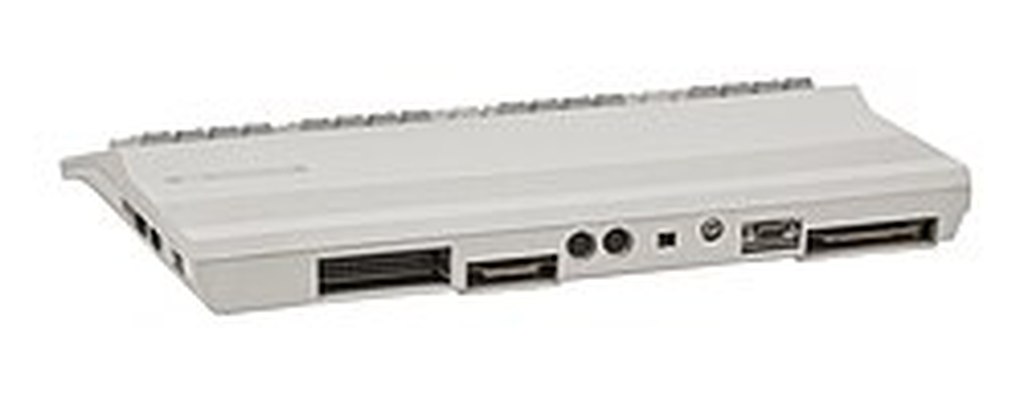
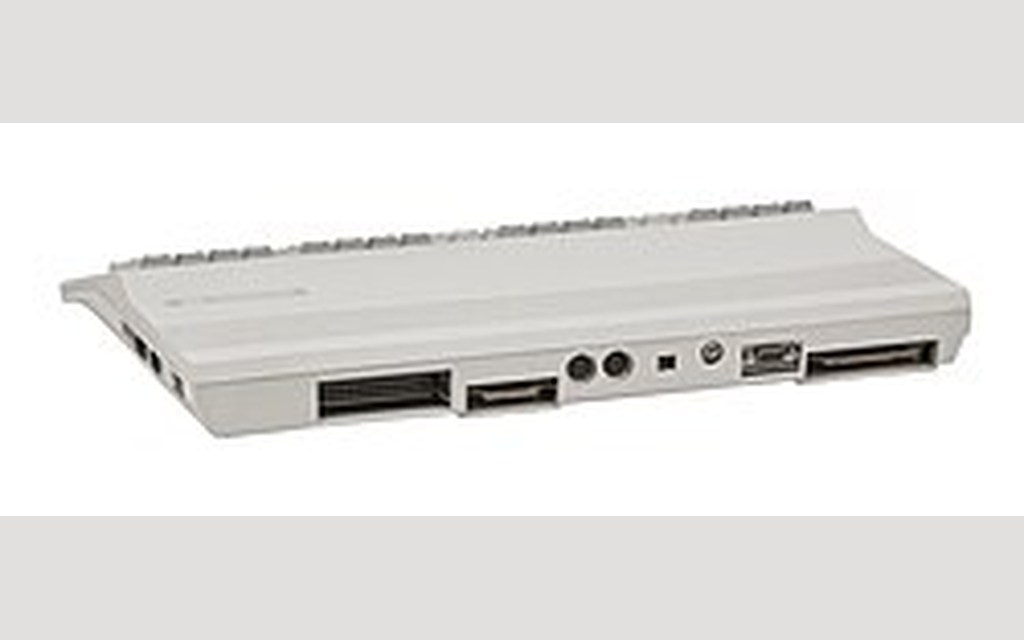
4. Both video outputs. Test or ask about both faces: the VIC-II’s 40-column output (composite/S-video-style chroma-luma, like a C64) and the VDC’s 80-column RGBI digital output. A machine with a dead VDC is a C64 with delusions; a machine with a dead VIC loses its games face. Sellers of serviced machines will usually state both explicitly.
5. The keyboard. The 128’s keyboard is one of its pleasures, but forty-year-old membranes and plungers vary. Ask about dead keys, and remember the D’s detached keyboard doubles the connector-checking: its cable and sockets are part of the deal.
The display problem — and its solutions

Every C128 buyer inherits the machine’s two-display nature. The 40-column side is easy: any composite or S-video display, CRT or modern, shows C64 mode and 40-column 128 mode exactly as on a C64. The 80-column side is the puzzle: the VDC outputs RGBI — a digital signal in the CGA family — which Commodore’s own 1902 and 1084-family monitors accepted, along with certain third-party CGA-capable screens. In 2026 the practical routes are: hunt a working Commodore 1902/1084-class monitor (period-correct, priced like it, and ageing); use an RGBI-to-modern converter or scaler solution from the retro aftermarket (several exist, of varying quality — buy from the community’s known names and test with VDC demos); or run monochrome 80-column output to a composite display, which is authentic for some software but gives up the colour that Beyond Zork’s bar charts deserve. Many owners run both: a small CRT or the converter for 80 columns beside the main display. Budget for the 80-column answer from the start — a 128 bought without one is a machine at half power.
Drives and modern storage

The period-correct pairing is the 1571 — double-sided, burst-mode with the 128, able to read CP/M-format disks — and it still earns its desk space for original-media use; check the ROM version if relative-file-heavy software matters to you, and expect to service belts and heads on any unrestored unit. For daily driving, modern storage has transformed ownership: SD2IEC-class devices emulate the serial drives from SD card for a fraction of a 1571’s price, while the 1541 Ultimate family (culminating in the Ultimate II+) adds cartridge features, RAM expansion emulation and near-perfect drive compatibility in one unit at the top of the market. A RAM expansion unit — original Commodore REU or modern equivalent — unlocks GEOS at its best and the bigger demos, and is the upgrade serious 128 owners rank first after the display. JiffyDOS ROM sets, for computer and drive alike, remain the quality-of-life classic: faster everything, a built-in DOS wedge, and wide compatibility.
Software to hunt first
A 128 without its native software is only two-thirds of the pitch, so budget curiosity alongside hardware. The essential shelf is compact: GEOS 128 (with a RAM expansion if you can) for the desktop experience; the Infocom Plus titles — Trinity and A Mind Forever Voyaging above all — for the 80-column fiction; Ultima V for the music that only this machine’s owners heard; and the Mastertronic C128 editions for the native-games cabinet of curiosities. Original disks are collectible and priced like it, and forty-year-old media should be imaged before it is trusted; the community’s preservation archives carry the library for everyday use, and modern flash storage makes running it painless. CP/M deserves a weekend of any new owner’s time — the system disks plus a public-domain library turn the machine into its third self, and the experience recalibrates what you think a 1985 home computer was.
Community and care
You are not buying into a museum; the 128’s community is small, technical and active. The forums and archives carry the accumulated lore this guide samples — ROM revision tables, VDC memory upgrade guides, PSU replacement recommendations, the demo scene’s timing research — and the restoration culture is mature: recapping services, modern PSU builders, keyboard refurbishers and newly manufactured parts all exist within the wider Commodore ecosystem the 128 shares with its more famous sibling. Two habits will keep your machine alive: keep the heat story in mind (ventilate, service the supply, don’t let the SID cook under a sealed shield for another forty years), and buy spares opportunistically — a parts keyboard, a spare drive mechanism, a second PSU — while the donor pool lasts. None of this is onerous; it is the ordinary stewardship of a machine that has already outlived its maker’s expectations by decades and shows every sign of continuing.
Try before you buy: emulation
Sensible buyers test the water first, and the 128 emulates beautifully. VICE’s x128 covers the machine comprehensively — all three modes, the VDC including its exotic graphics modes, 1571 and burst behaviour, RAM expansions — and an evening spent there will tell you honestly whether the 128’s particular charms are yours: whether GEOS at eighty columns delights you, whether the Infocom Plus library is your idea of a good time, whether GO64 makes the whole proposition feel like a deluxe C64 in the best way. Emulation also teaches the software landscape before you spend on originals. Owners who arrive via VICE tend to buy better hardware, because they already know which of the three machines inside the 128 they are actually shopping for.
Budgets, roughly tiered
As orientation only — verify against current sold listings, because this market moves — think in three tiers. The entry tier buys a working flat 128, unserviced, plus an SD-based storage device and a modern PSU: the full experience, with servicing as a future project. The middle tier buys a serviced flat machine or a tidy plastic D, the 80-column display solution solved, and a RAM expansion for GEOS. The top tier is DCR territory: serviced, 64K VDC confirmed, period monitor or premium scaler, Ultimate-class storage — the connoisseur’s desk, priced as one. At every tier the same items deserve their line in the budget before cosmetics do: power supply, storage, display. A 128 that boots safely, loads anything and shows both its faces beats a prettier machine that does one of the three.
The 2026 verdict
One more consideration belongs in any honest 2026 guide: the 128 you buy will outlive your interest in any single configuration, so buy for the collection’s future as much as for this winter’s desk. Original manuals, the CP/M system disks and the machine’s bundled literature all carry value and utility; a complete, documented example is easier to service, easier to lend a future owner confidence, and easier to sell on if the bug ever bites for a different machine. Conversely, a cheap machine with a dead VDC or a silent SID is not a bargain at any price, because its repair queue stands between you and the entire point of the platform. In a rising market, condition and completeness are the appreciation; the wedge shape is just the wrapping.
Buy the best-serviced machine your budget reaches, in the shape that fits your desk, with the display question answered and modern storage planned. The 128 rewards the preparation: no other single box offers the C64’s entire library, a serious 80-column workstation, a CP/M business machine and the strangest graphics chip of the eight-bit era. Prices have been rising as the reappraisal continues, so the honest final advice is the collector’s oldest: the time to buy a good Commodore 128 was five years ago; the second-best time is a serviced DCR, checked in both modes, from a seller who can tell you about the SID. Happy hunting.