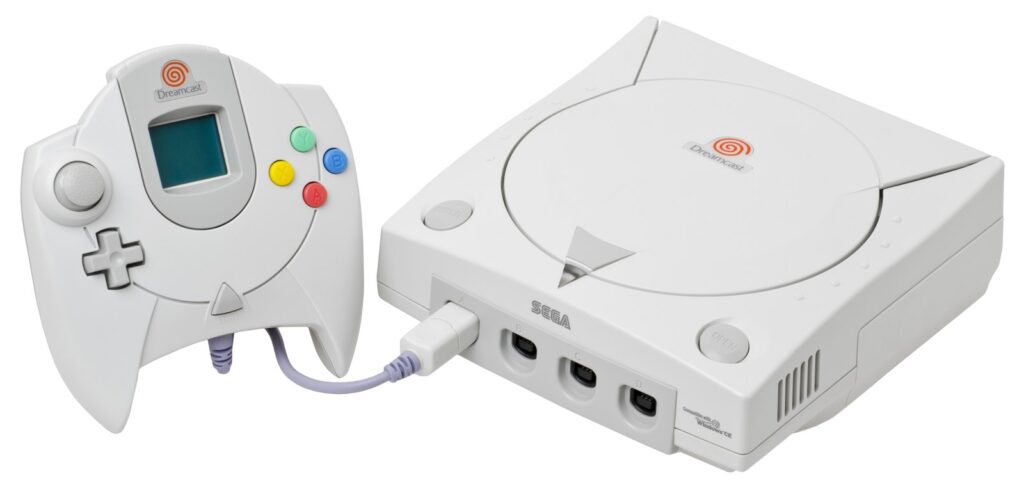
Thinking about buying a Dreamcast in 2026? You are joining one of retro gaming’s happiest afterlives. Sega’s last console has spent twenty-five years gathering exactly the kind of support a vintage machine dreams of: optical-drive replacements, modern video options, fan-run servers that put its online games back on the internet, and a homebrew scene that never stopped. This guide covers what to check when you buy, how to set the console up for a modern TV, and the upgrades worth knowing about — in plain language, with no hype and no price promises, because the second-hand market moves too fast for printed figures to stay honest. What we can tell you is what to look for, what to avoid, and what order to do things in.
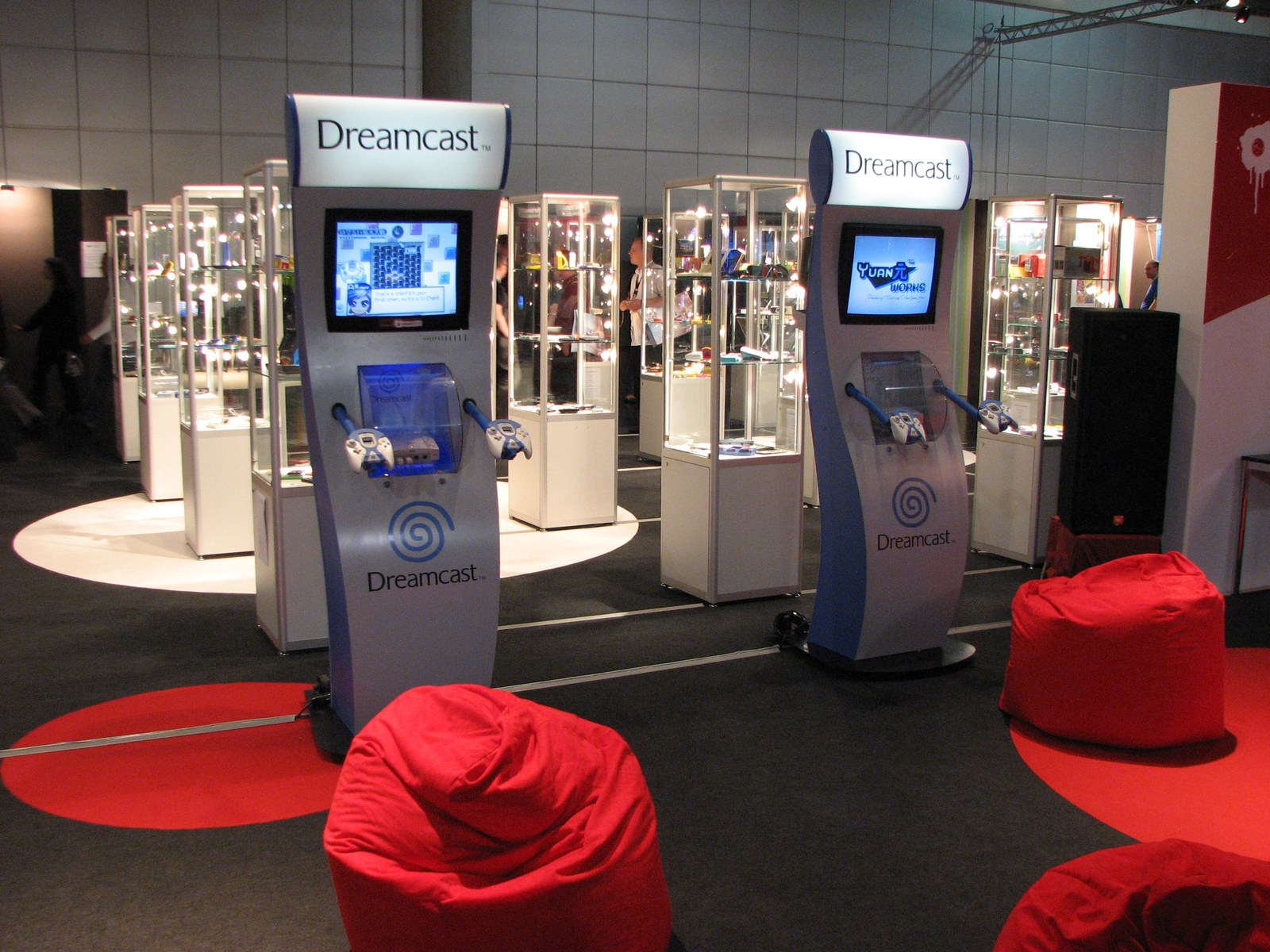
Step One: Buying the Console Itself
Start with the basics. A complete Dreamcast setup means the console, at least one controller, a power cable, a video cable and ideally a VMU — the memory card with the little screen that slots into the controller. Check the seller’s photos for the essentials: the lid should close and latch cleanly, the controller ports should be free of bent pins, and the underside label tells you which revision you are looking at. North American buyers will mostly meet NTSC machines; European PAL consoles have the blue swirl logo instead of the red/orange one, and Japanese machines are common in the import scene — remember that the Dreamcast is region-locked for original discs, so match the console to the library you intend to collect, or plan around one of the workarounds the community uses.
The single most important question to ask any seller is whether the disc drive still reads games reliably. The Dreamcast’s GD-ROM drive is its wear part: lasers weaken with age, and a machine that boots to the menu but stutters, grinds or refuses discs is a machine priced as working that soon won’t be. Ask for a video of a game loading and playing. Also ask whether the console has been opened or modified — modified is not a deal-breaker (some mods are excellent, as below), but you should know what you are getting. Finally, check the internal battery situation: Dreamcasts famously ask for the date on boot when their rechargeable clock battery dies. That is a minor, well-understood fix, not a red flag — a console that does it is normal, not broken.
Step Two: A Picture Worth Playing On
The Dreamcast was ahead of its time on video: uniquely among its generation, most of its library supports 480p output through VGA, which is why the console looks so startlingly good on modern displays. Your options, from simplest to sharpest, run like this. Composite cables are the pack-in baseline and the softest picture — fine for a CRT, muddy on a big flat panel. S-video is a step up where available. A quality VGA cable or box into a PC monitor gives you that crisp 480p for the majority of games that support it (a minority of titles are VGA-incompatible, and the community maintains lists). HDMI is achievable two ways: a VGA-to-HDMI conversion chain, or one of the dedicated Dreamcast HDMI adapter cables and internal HDMI mods that have appeared from retro hardware makers — these take the console’s VGA signal and hand your TV a clean digital feed. Whichever route you choose, buy cables from reputable retro specialists rather than the cheapest no-name listings; the Dreamcast’s analogue output rewards decent shielding.
Step Three: The Drive Question — Discs or an ODE?
Sooner or later, every Dreamcast owner meets the drive decision. Option one is to keep playing GD-ROM discs: the authentic route, and the way to build a physical collection — but the newest discs are a quarter-century old, and drives will keep aging. Option two is an optical drive emulator (ODE), a board that replaces the GD-ROM drive and loads games from an SD card instead. The best-known is the GDEMU, an open project whose original boards and widely available clones have become the default recommendation for years; alternatives such as the MODE from Terraonion offer their own feature sets and broader storage options. An ODE removes load noise, protects your discs, and makes the whole library — including homebrew and translation patches — convenient. The honest trade-offs: you lose the ritual (and resale-friendly originality) of a disc machine, installation means opening the console, and GDEMU-style boards care about which motherboard revision you have, so check compatibility before ordering. Many collectors end up with two Dreamcasts — one original, one ODE — which tells you something about this hobby’s gravity.
Step Four: Controllers, VMUs and the Extras
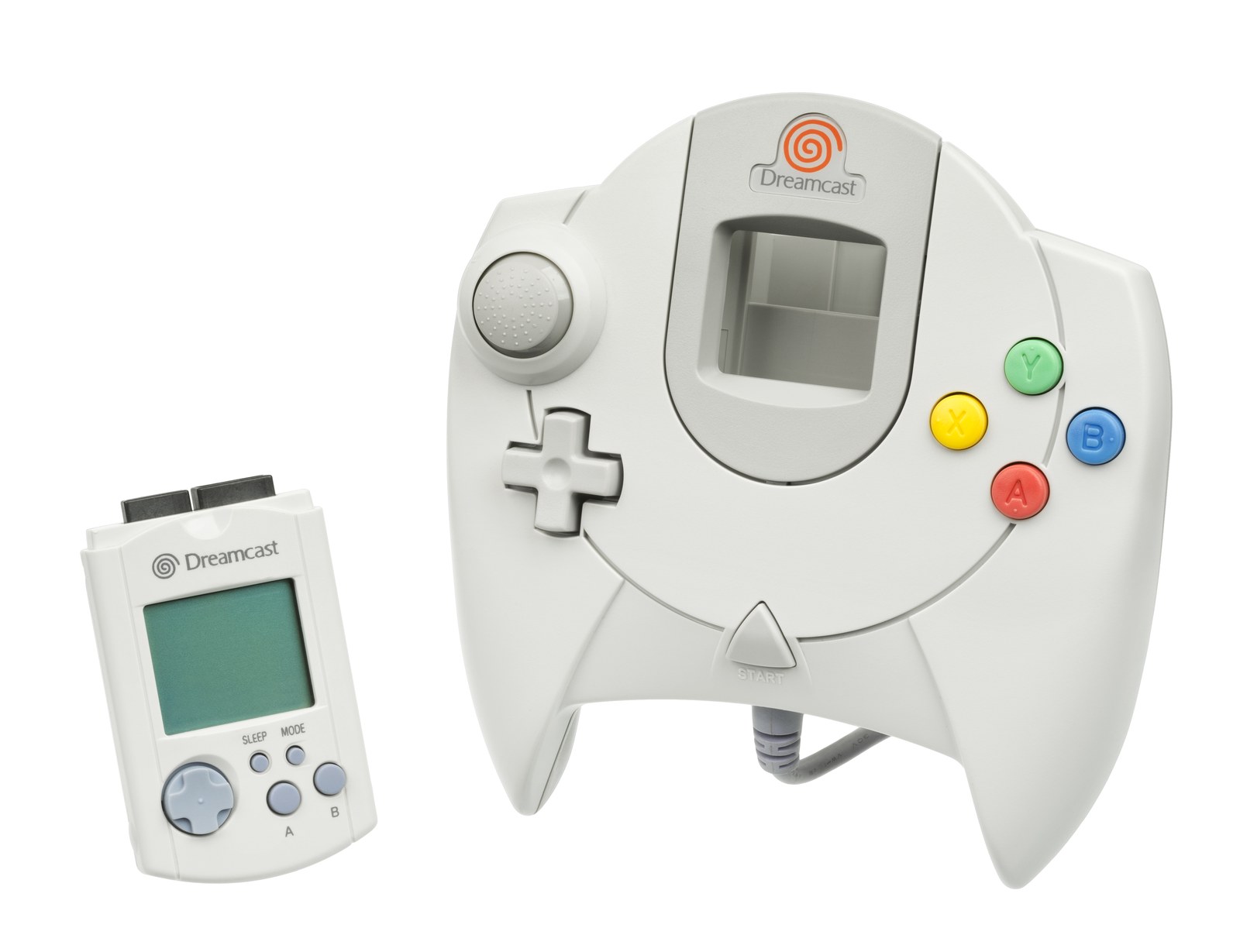
The standard Dreamcast controller is better than its reputation: a comfortable shell, analogue triggers that racing games love, and two slots — one for the VMU, one typically for a rumble pack. Budget for at least one spare controller for multiplayer (Power Stone 2 and Ooga Booga will thank you), and consider the essentials list: the arcade stick is superb for the console’s many fighters and shooters; the fishing controller is a delight with Sega Bass Fishing and SoulCalibur-adjacent nonsense alike; light guns exist but only work on CRT TVs, which matters in 2026; and the keyboard opens up The Typing of the Dead, one of the great party games ever made. VMUs deserve a note of their own: each holds a modest amount of save data, their screen batteries die but saves live on the card’s flash memory, and having two or three in rotation is normal. Third-party memory cards offer more space without the screen.
Step Five: Yes, You Can Still Play Online
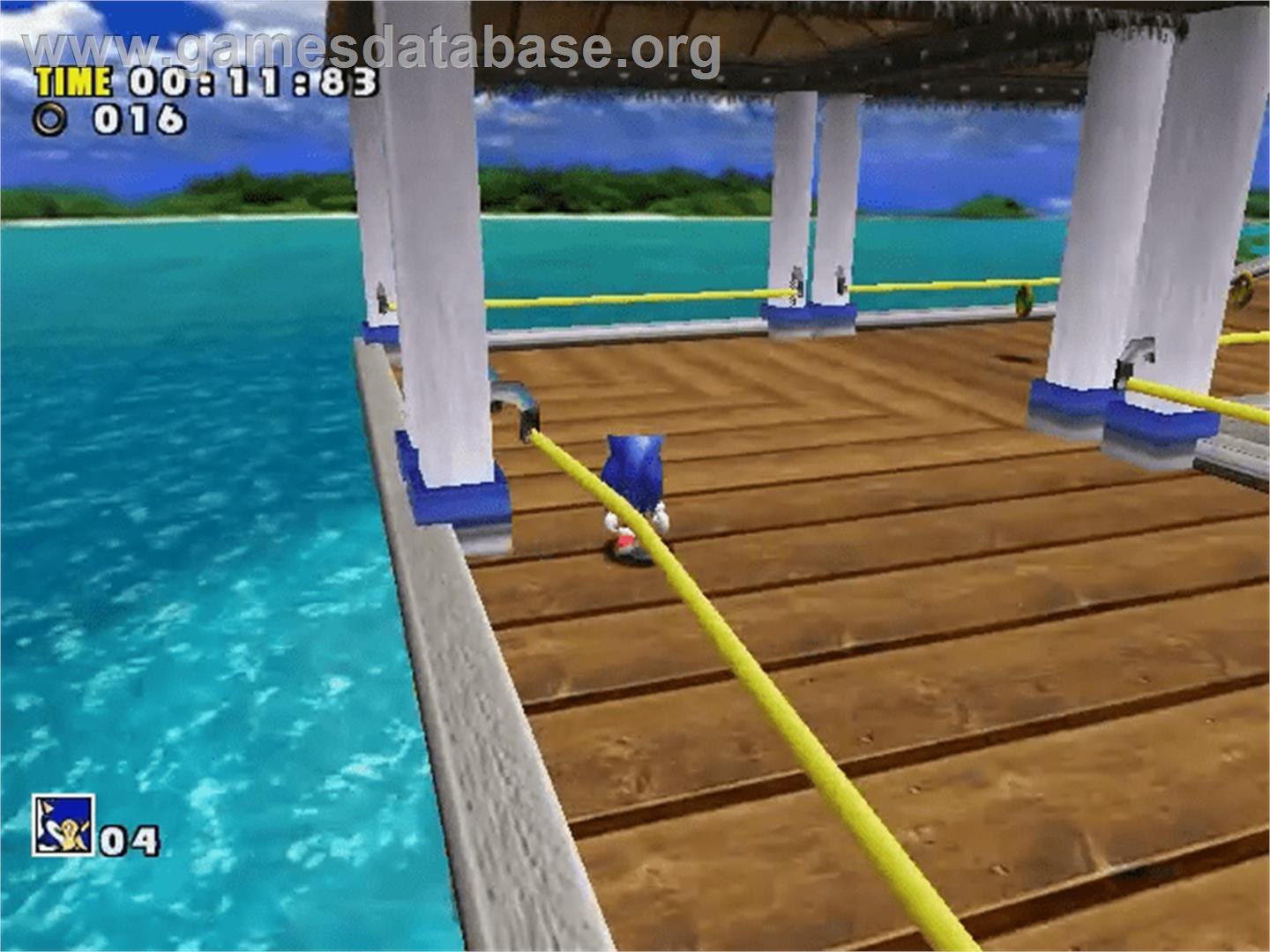
The Dreamcast was the first console built for the internet, and thanks to its fans, it still is. The original dial-up modem is the key: pair it with a DreamPi — a Raspberry Pi setup, developed by the community around the Dreamcast Live scene, that bridges the console’s modem to your home network — and a healthy list of games comes back to life on fan-run servers, coordinated through communities like Dreamcast-Talk and the Dreamcast Live schedule of weekly game nights. Phantasy Star Online, Quake III Arena, ChuChu Rocket! and a growing roster of racers and shooters can all be played online today, alongside the still-active PSO private server scene. Setup guides live on those community sites and are genuinely beginner-friendly. There is no official Sega service behind any of this — it is volunteers and shared knowledge keeping a promise the console made in 1999 — so be a good citizen when you arrive.
Step Six: Keeping a 25-Year-Old Console Alive
A little maintenance goes a long way, and the Dreamcast’s common issues are well documented by its community. Dust is the enemy: keep the vents clear, store the console somewhere ventilated, and give the fan grille an occasional brush-out. The controller ports share a fuse on the console’s controller board that can blow if peripherals are hot-swapped carelessly — plugging controllers in before powering on is a good habit — and the fix, if it ever happens, is a known repair rather than a death sentence. The clock battery, as mentioned, is replaceable by anyone comfortable with basic console servicing, and guides abound. Disc owners should handle GD-ROMs by the edges, store them in their cases, and be wary of discs with deep scratches or the pinhole light spots that suggest disc rot; most surface wear, though, is cosmetic, and the Dreamcast’s drive is generally a tolerant reader. If servicing is beyond you, the retro-repair scene is full of specialists who know this hardware intimately — a console worth keeping is a console worth having looked at properly.
One more 2026 reality, stated plainly: original Dreamcast hardware is finite, and the community’s preservation work is why a machine from 1999 still has new games, new servers and new accessories. Buy from sellers who describe honestly, sell on the same way when your collection changes, and back up your VMU saves when you can. The console’s second life runs on goodwill as much as on parts.
A Sensible Order of Operations
If the options above feel like a lot, here is the sequence most owners end up following, and the one we recommend. First, buy a clean, tested console and play it exactly as it comes — a week of original hardware will teach you what you actually want to change. Second, sort the picture: if you are on a modern TV, this is the upgrade you will feel every single session. Third, decide on discs versus an ODE with real experience behind the decision, not forum fatigue. Fourth, add the peripherals your favourite genres demand — the stick, the second pad, the spare VMU. Online play, via DreamPi, can slot in at any point once the basics make you happy. None of it has to happen at once, and every stage leaves you with a better Dreamcast than the stage before. That is the quiet pleasure of this console in 2026: it is not a museum piece you restore once, but a machine with a living ecosystem that keeps meeting you halfway.
What About the Games’ Prices?
You will notice this guide has quoted no prices, and that is deliberate. Dreamcast software ranges from common titles that change hands for pocket money to a small tier of genuinely scarce releases — late print runs, import-only shooters, a few famous rarities — whose values swing with the collector market month to month. Any figure printed here would be wrong by the time you read it. Instead: check recent sold listings on the major marketplaces for the specific title and region, compare complete-in-box against disc-only honestly (Dreamcast cases are fragile and replacements change the value), and treat “untested” as the gamble it is. The good news is that the system’s essential first shelf remains broadly collectable, the ODE route removes price pressure entirely for play purposes, and the re-release and homebrew scenes keep adding affordable ways in. Buy the games you will play, in the condition you will enjoy, at a price you checked this week — that rule has never failed a Dreamcast owner yet.
Welcome to the swirl. It only gets better from here.
Your First Shelf
Setup complete, what should you actually play first? Start with the pillars — SoulCalibur for the showcase, Crazy Taxi for the arcade soul, Jet Set Radio for the style, Skies of Arcadia when you are ready to move in — then go digging: the Dreamcast’s second shelf of hidden gems is famously deep, and its homebrew and indie scene still releases new games on real discs. Buy the console for the library you have heard of; keep it for the one you haven’t. Few machines reward curiosity as reliably as this one does.